11 Best Tools for Testing Your Website on Mobile Devices (2026)
In 2026, mobile devices account for over 62% of all global web traffic. That number climbs even higher in regions like Sub-Saharan Africa, where mobile makes up over 84% of web visits. If your website doesn't work flawlessly on a phone, you're losing the majority of your audience before they even scroll.
The stakes are real: 53% of mobile users abandon a site that takes more than 3 seconds to load, and mobile bounce rates hover around 58-60% — roughly 10 percentage points higher than desktop. With modern CSS features like container queries now supported by 95%+ of browsers, responsive design has become more powerful than ever. But power without testing is just guesswork.
Whether you're a solo developer checking your side project or a QA team validating an enterprise app across hundreds of device configurations, having the right testing tools makes all the difference. Here are the 11 best tools for testing your website on mobile devices in 2026, covering everything from free browser built-ins to cloud-based real-device platforms.
1. Chrome DevTools Device Mode (Free)
Every web developer's first line of defense. Chrome DevTools Device Mode is built directly into Google Chrome — press Ctrl+Shift+M (or Cmd+Shift+M on Mac) to activate it instantly. No downloads, no accounts, no setup.
Device Mode lets you simulate dozens of popular devices (iPhone, Pixel, iPad, Samsung Galaxy) with accurate viewport sizes and pixel ratios. But it goes well beyond simple resizing:
- Touch simulation — your cursor becomes a touch point, letting you test tap targets, swipe gestures, and scrolling behavior
- Network throttling — simulate Slow 3G, Fast 3G, or custom network profiles to test how your site performs on poor connections
- CPU throttling — simulate slower mobile processors to catch performance issues invisible on your fast desktop
- Media query visualization — see exactly where your CSS breakpoints fire as you resize
- Custom device profiles — add any device with custom width, height, and device pixel ratio
Best for: Developers who need quick, iterative responsive testing during development. It catches 80% of responsive bugs at zero cost.
Limitation: It's an emulator, not a real device. It won't catch touch interaction edge cases, actual rendering differences between mobile browsers, or real-world performance under genuine mobile hardware constraints.
2. BrowserStack Responsive (Premium — from $39/month)
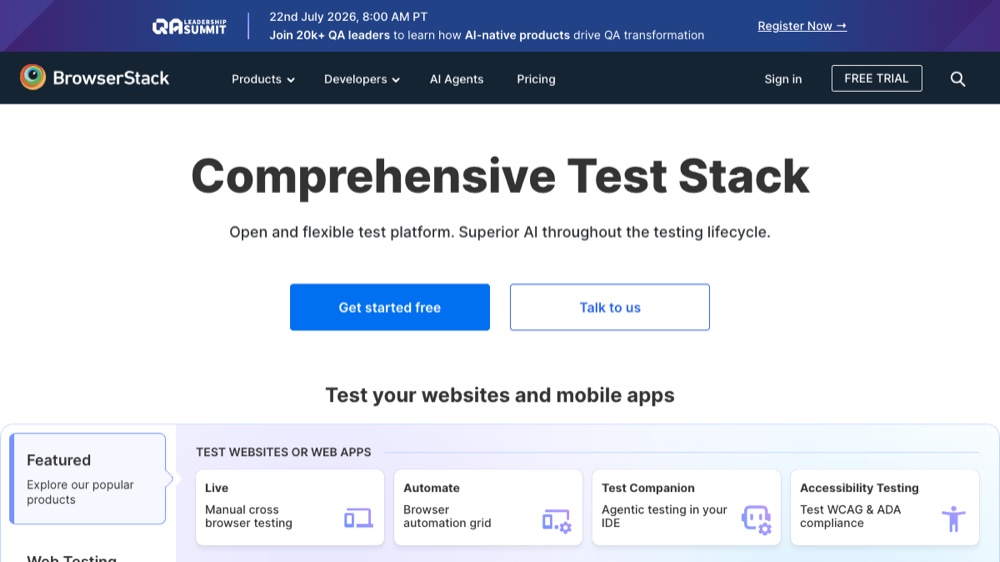
BrowserStack is the gold standard for real-device testing. With access to over 3,500 real devices and browsers across 19 global data centers, it processes more than 2 million tests daily. This isn't emulation — your site runs on actual physical hardware stored in BrowserStack's cloud infrastructure.
The Responsive testing feature lets you enter a URL and instantly see how your site renders across a grid of real devices simultaneously. You can interact with each device in real-time, taking screenshots and recording video sessions for documentation.
- Real devices — not emulators, not simulators. Actual phones and tablets with native browsers
- 30,000+ device-browser combinations including the latest iPhone, Samsung, Pixel, and OnePlus models
- Debugging tools — Chrome DevTools integration for remote debugging on real devices
- CI/CD integration — works with Selenium, Playwright, Cypress, and every major test framework
- Geolocation testing — test from different geographic locations to catch region-specific rendering issues
Best for: Professional teams that need to guarantee their site works on real devices before shipping. If you're building for enterprise clients or high-traffic consumer apps, BrowserStack's real-device approach catches issues that emulators simply miss.
Pricing: Live plans start at $39/month for individual developers; team plans range $125-$199/month.
3. TestMu AI, formerly LambdaTest (Budget Alternative — from $15/month)
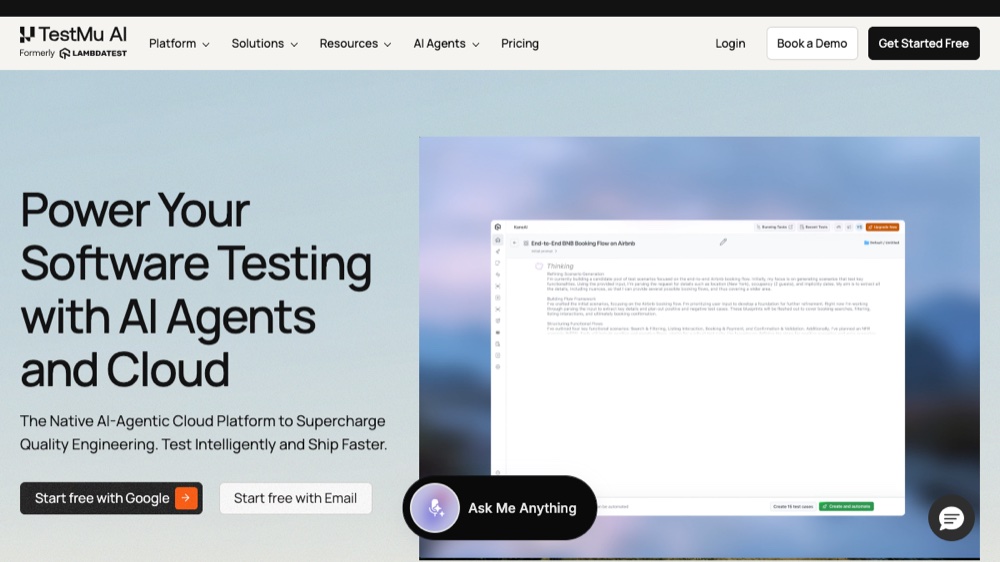
LambdaTest rebranded to TestMu AI in January 2026, positioning itself as an AI-native testing platform. It offers 3,000+ browser and OS combinations with real iOS and Android devices, making it BrowserStack's most direct competitor — at roughly 38-61% lower pricing.
The standout feature is HyperExecute, a smart test orchestration grid that distributes and accelerates test execution across parallel sessions. It supports Selenium, Appium, Cypress, Playwright, and TestCafe.
- AI-powered test analytics — automated flaky test detection and root cause analysis
- Real-time cross-browser testing on real devices and cloud-hosted VMs
- Free lifetime plan for individual developers (limited sessions)
- Smart visual regression testing to catch UI differences automatically
Best for: Teams that want BrowserStack-level capabilities on a tighter budget, or developers who value AI-assisted test orchestration. The free tier makes it accessible for freelancers and side projects.
4. Responsively App (Free & Open Source)
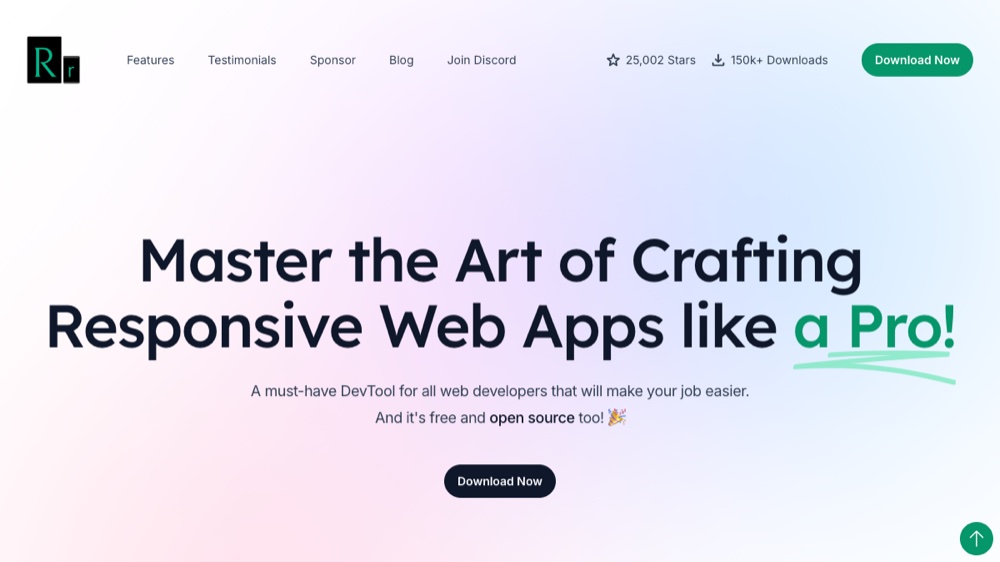
Responsively is a modified web browser built specifically for responsive development, and it's completely free and open-source. It's the tool featured in the YouTube video above — and for good reason.
The killer feature: you see all your target devices simultaneously, side by side. Every click, scroll, or navigation you perform on one device is replicated to all others in real-time. This synchronized preview eliminates the tedious cycle of resizing your browser window back and forth.
- Synchronized interactions — click, scroll, type on one device, see it everywhere
- Unified Inspector — press
Cmd/Ctrl + Ito inspect elements across all devices at once - Large device library — pre-loaded with popular devices, plus custom device support
- Screenshot all devices — capture every viewport in a single click for documentation or client reviews
- Hot reloading — integrates with your dev server's live reload for real-time development
Best for: Frontend developers who want a free, powerful desktop tool for daily responsive development. If you're building responsive UIs and need constant multi-device feedback, Responsively should be your daily driver.
5. Sauce Labs (Enterprise — Custom Pricing)
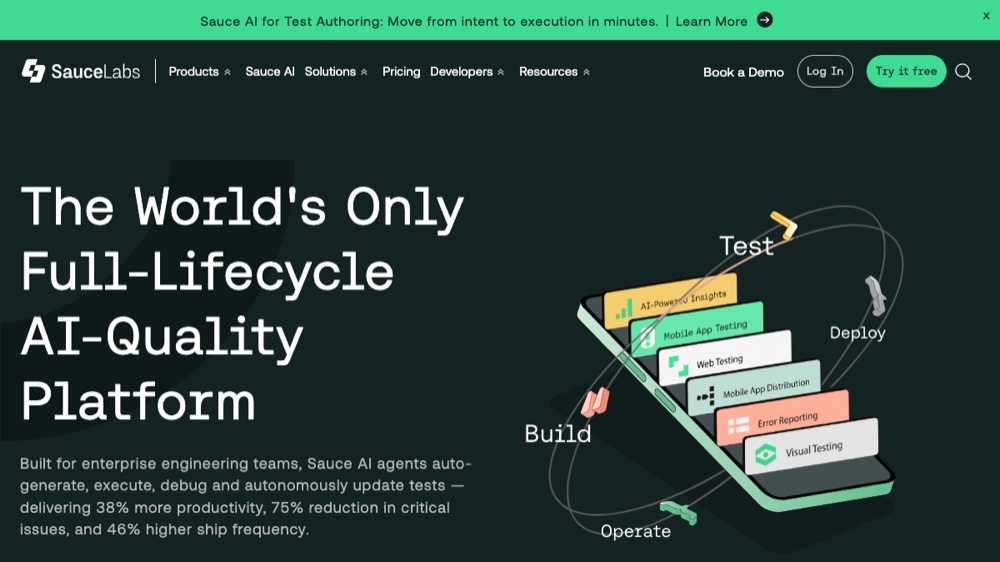
Sauce Labs targets large engineering organizations that need scalable, automated cross-browser and mobile testing integrated into their CI/CD pipelines. It offers real devices, virtual machines, and emulators — plus advanced visual testing and error monitoring.
- Visual testing — pixel-level comparison to catch visual regressions across devices
- Automated test execution — run thousands of tests in parallel across device farms
- Error reporting — detailed logs, videos, and screenshots for every failed test
- Enterprise security — SOC 2 Type 2 certified, single sign-on, custom data retention
Best for: Enterprise teams with large test suites that need reliable, scalable automated testing infrastructure. Overkill for small projects, essential for apps serving millions.
6. Responsinator (Free)
Responsinator is beautifully simple. Paste your URL, and instantly see how your site looks across the most popular device viewports — iPhone, Android phones, tablets, and more. No account needed, no download required.
It renders your actual live site inside iframes sized to match real device dimensions, showing both portrait and landscape orientations. The results page is clean and easy to share with clients or team members.
Best for: Quick sanity checks during development. When you need a 10-second answer to “does this look broken on phones?” Responsinator delivers without friction. It won't replace proper device testing, but it's perfect for catching obvious layout issues early.
7. Mobile Simulator Chrome Extension (Free)
The Mobile Simulator Chrome extension adds instant device simulation directly to your browser toolbar. One click opens your current page in a simulated mobile device frame with accurate dimensions and pixel ratios.
- 50+ device presets — covers iPhone, Samsung, Google Pixel, iPad, and more
- Orientation switching — toggle between portrait and landscape instantly
- URL bar simulation — accounts for the browser chrome that reduces available viewport height
- Zero setup — install from Chrome Web Store, click, and test
Best for: Developers who want mobile simulation without leaving their current browser tab. Great for quick checks without opening DevTools or a separate application.
8. Sizzy (Paid — from $12/month)
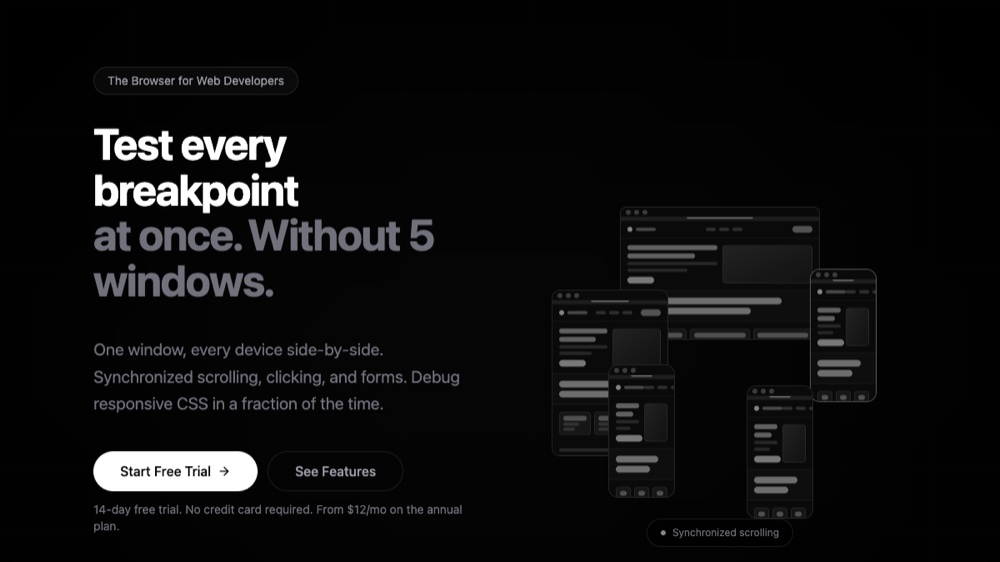
Sizzy is a dedicated developer browser built for responsive testing. Like Responsively, it shows multiple devices simultaneously — but with a focus on developer workflow integration and additional tooling.
- Parallel device testing — see your site on multiple devices with independent scrolling and interaction
- Design overlay — import your Figma designs and overlay them on the live page to verify pixel-perfect implementation
- Universal inspect — inspect any element across all devices from a single inspector panel
- Focus mode — toggle off distractions and zoom into specific device sizes
- Built-in proxy — test behind authentication without configuring each device separately
Best for: Professional frontend developers who want a premium all-in-one development browser. The Figma design overlay feature is particularly valuable for teams doing pixel-perfect implementations.
9. MobileViewer.io (Free)
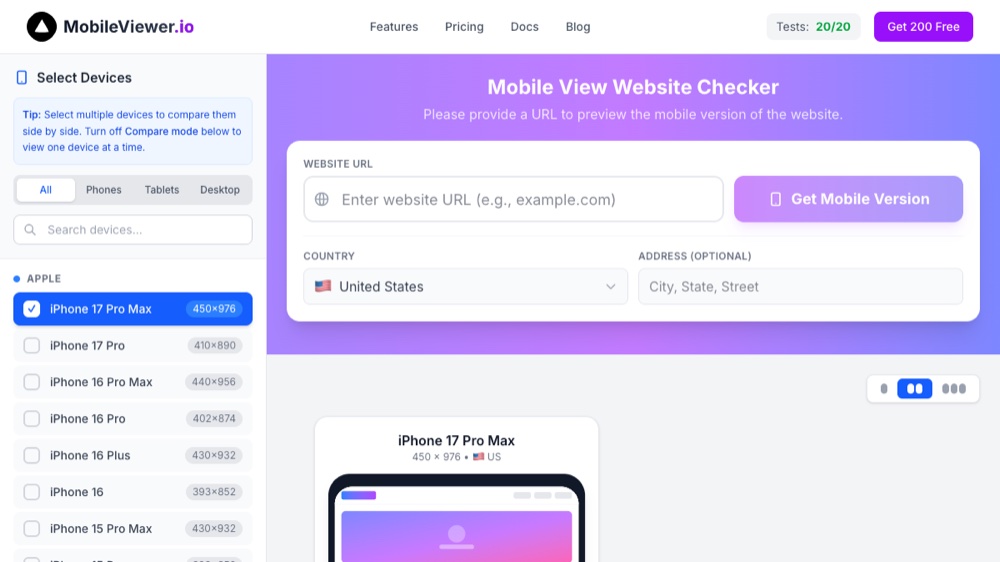
MobileViewer.io lets you test your website's responsiveness across 50+ device screen sizes instantly in your browser. Enter a URL and see side-by-side comparisons with custom viewport settings and real-time previews.
- 50+ device sizes — phones, tablets, laptops, and desktops
- Side-by-side comparison — compare how two different viewport sizes render simultaneously
- Custom viewports — enter any width and height for non-standard testing
- No installation — entirely browser-based, works on any platform
Best for: Quick, comprehensive responsive checks without installing anything. Particularly useful when you're on a machine where you can't install software (client computers, shared workstations).
10. Am I Responsive (Free)
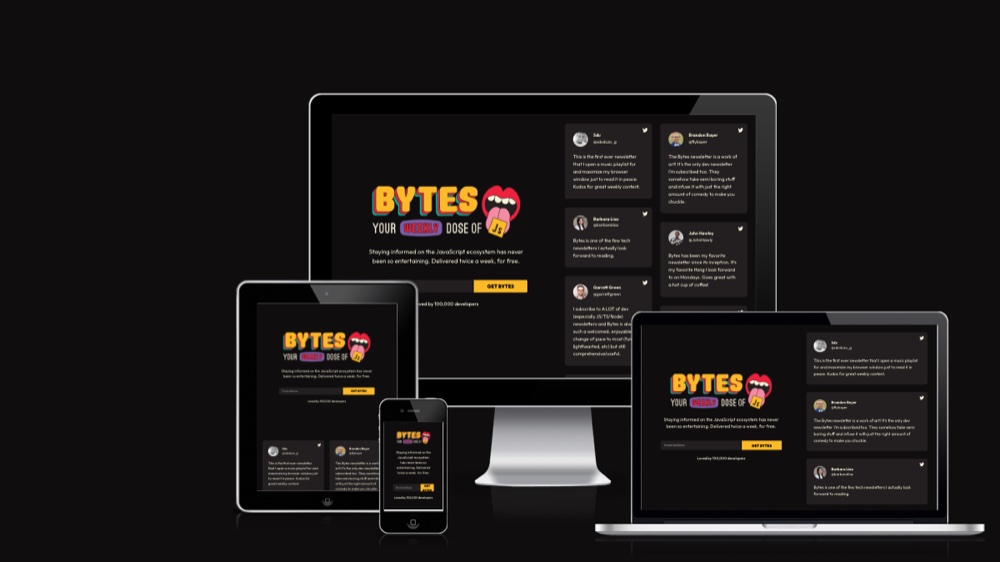
Am I Responsive provides the classic four-device preview that has become an iconic way to showcase responsive websites. Enter your URL and instantly see your site rendered on a desktop, laptop, tablet, and phone — all arranged in an attractive isometric layout.
The visual output is polished enough to use directly in presentations, documentation, or portfolio showcases. Many developers use Am I Responsive screenshots in their README files and project documentation.
Best for: Creating quick visual previews of responsive behavior for stakeholders. Less useful for thorough testing, but unmatched for creating professional-looking responsive showcases in seconds.
11. Responsive Design Checker (Free)
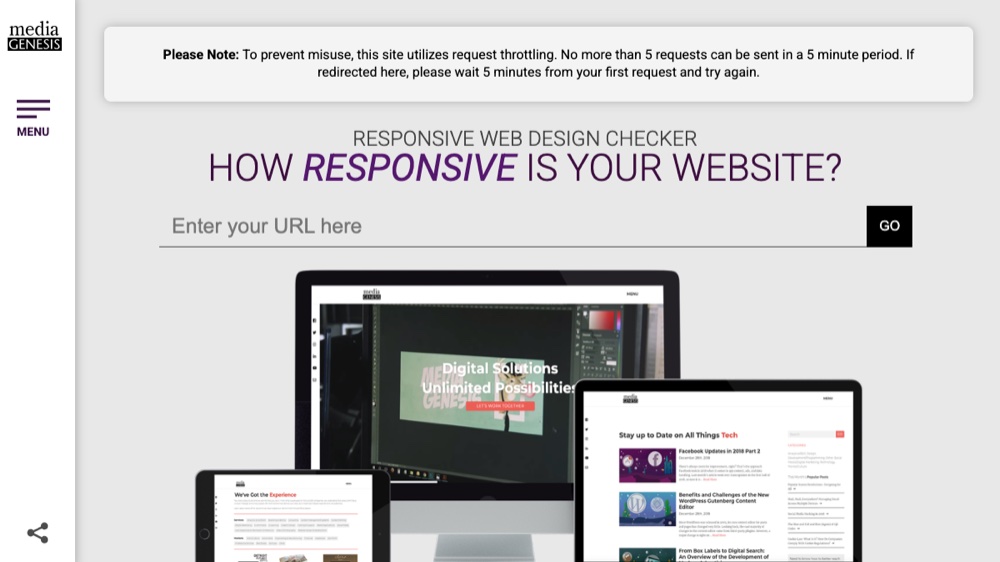
Responsive Design Checker by Media Genesis offers a clean interface with preset device dimensions for the most common screen sizes. Select a device category (mobile, tablet, desktop) and specific model, and your site loads in an accurately sized frame.
- Organized device library — grouped by category with the most popular devices front and center
- Custom dimensions — enter any width and height for specific testing needs
- Simple, fast interface — no registration, no setup, instant results
Best for: Non-technical stakeholders or designers who need to quickly verify responsive behavior without developer tools. The clean UI makes it approachable for anyone on the team.
Free vs. Paid: Which Mobile Testing Tools Do You Actually Need?
| Tool | Price | Type | Real Devices | Best For |
|---|---|---|---|---|
| Chrome DevTools | Free | Emulator | No | Daily development |
| BrowserStack | From $39/mo | Cloud | Yes (30,000+) | Professional teams |
| TestMu AI | From $15/mo | Cloud | Yes (3,000+) | Budget-conscious teams |
| Responsively App | Free | Desktop app | No | Frontend developers |
| Sauce Labs | Custom | Cloud | Yes | Enterprise CI/CD |
| Responsinator | Free | Web-based | No | Quick sanity checks |
| Mobile Simulator | Free | Extension | No | In-browser simulation |
| Sizzy | From $12/mo | Desktop app | No | Professional developers |
| MobileViewer.io | Free | Web-based | No | Comprehensive checks |
| Am I Responsive | Free | Web-based | No | Visual showcases |
| Design Checker | Free | Web-based | No | Non-technical users |
The practical approach for most developers: start with Chrome DevTools for daily work (it's already on your machine), add Responsively App for multi-device workflows, and use a free web-based tool like Responsinator or MobileViewer.io for quick spot-checks. Only invest in BrowserStack or Sauce Labs when you need real-device validation for production releases.
Modern Responsive Design: Beyond Media Queries
Testing tools have evolved because responsive design itself has evolved. In 2026, the smartest developers aren't just using media queries — they're leveraging a layered approach:

- Container Queries — now supported by 95%+ of browsers, container queries let components adapt to their parent element's size rather than the viewport. This means a card component automatically adjusts whether it's in a sidebar or a full-width layout, without any viewport-level media queries.
- Fluid Typography with
clamp()— instead of jumping between fixed font sizes at breakpoints,clamp(1rem, 2.5vw, 2rem)creates smooth, continuous scaling that adapts naturally to any screen size. - CSS Grid and Subgrid — intrinsic layouts that adapt to content size, reducing the number of explicit breakpoints you need to maintain and test.
- Logical Properties —
margin-inline,padding-blockand friends that work correctly for both LTR and RTL languages, reducing testing surface area for internationalized sites.
These modern CSS features mean fewer breakpoints to test but more nuanced behavior to verify. Container queries in particular require testing tools that let you resize individual components, not just the viewport — which is where tools like Responsively's device grid and Chrome DevTools' element-level inspection become essential.
Mobile Testing Checklist for 2026
A solid mobile testing workflow combines speed with thoroughness. Here's the checklist used by professional development teams:
- DevTools first — test every change across at least 3 viewport sizes (phone, tablet, desktop) during development
- Responsive tool sweep — use Responsively or a web-based tool to check all target devices before committing
- Core Web Vitals — run Lighthouse in mobile mode to check LCP, INP, and CLS scores
- Touch target audit — verify all interactive elements are at least 44x44px and have adequate spacing
- Real device spot-check — test on at least one physical phone and one tablet before shipping (emulators miss rendering differences)
- Network conditions — test on Slow 3G throttling to catch images, fonts, or scripts that block rendering
- Orientation testing — verify layouts work in both portrait and landscape, especially for tablets
- Accessibility — check font sizes (minimum 16px on mobile), color contrast, and screen reader compatibility
The 80/20 rule applies: Chrome DevTools and a good multi-device tool catch 80% of responsive bugs. Real-device testing on BrowserStack or physical hardware catches the remaining 20% — the subtle rendering differences, touch behavior edge cases, and real-world performance issues that emulators can't replicate.
Frequently Asked Questions
What is the best free tool for mobile website testing?
For daily development, Chrome DevTools Device Mode (built into Chrome) plus the free, open-source Responsively App cover most needs. For quick URL-based checks without installing anything, MobileViewer.io and Am I Responsive are excellent free options.
Do I need real-device testing, or are emulators enough?
Emulators like Chrome DevTools and Responsively catch roughly 80% of responsive bugs and are perfect for development. Real-device platforms (BrowserStack, Sauce Labs) catch the remaining 20% — true rendering differences, touch behavior, and real-world performance. Use emulators for iteration and real devices before shipping.
What's the difference between BrowserStack and TestMu AI (LambdaTest)?
Both offer cloud testing on real devices. BrowserStack has the larger device pool (30,000+ combinations) and is the established gold standard, while TestMu AI (formerly LambdaTest) undercuts it on price and adds AI-powered test orchestration and analytics. TestMu AI also has a free tier for individuals.
How can I test my website on mobile without a phone?
Use Chrome DevTools Device Mode (press Ctrl+Shift+M / Cmd+Shift+M), the Responsively desktop app for a multi-device grid, or browser-based tools like MobileViewer.io and Responsive Design Checker that render your URL at real device dimensions.
Is Chrome DevTools Device Mode accurate?
It's excellent for layout and responsive iteration and simulates viewport size, touch, and network/CPU throttling. But it's an emulator, not a real device, so confirm critical user flows and rendering on at least one physical phone before launch.
How much does mobile testing software cost?
Many of the best tools are completely free (Chrome DevTools, Responsively, MobileViewer.io, Am I Responsive). Paid real-device platforms start at around $15/month (TestMu AI) and $39/month (BrowserStack), while enterprise platforms like Sauce Labs use custom pricing.
What should a mobile testing checklist include?
At minimum: test across phone, tablet, and desktop viewports; run Lighthouse for Core Web Vitals; verify touch targets are at least 44x44px; spot-check on a real device; test on throttled networks; check both orientations; and confirm accessibility (font size, contrast, screen readers).
What is responsive design testing?
Responsive design testing verifies that your website adapts correctly across different screen sizes and devices — that the layout reflows, text stays readable, images scale, interactive elements remain tappable, and performance holds up on mobile hardware and networks.
The Bottom Line
Mobile testing in 2026 isn't just about resizing your browser window anymore. With over 62% of web traffic coming from mobile devices and modern CSS features like container queries changing how responsive design works, having the right testing toolkit is essential. The good news: the majority of these tools are completely free. Chrome DevTools, Responsively App, Responsinator, MobileViewer.io, and Am I Responsive give you comprehensive coverage without spending a dollar. When you're ready to scale, BrowserStack and TestMu AI offer real-device testing at reasonable price points. The key is matching the tool to the job — use free tools for development iteration and paid platforms for production validation.