The 10 Best Online Document Converter Tools in 2026
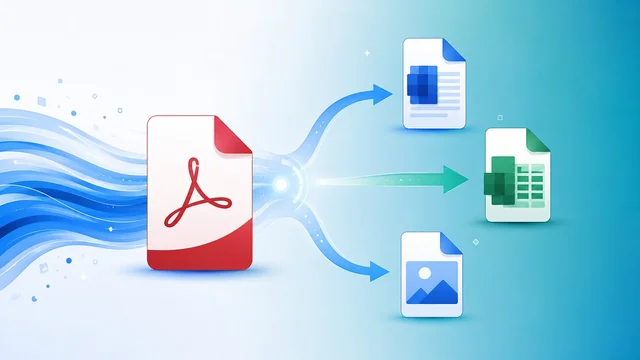
Online document converters have quietly become one of the most-used utilities on the web, and the 2026 field is more competitive — and more privacy-aware — than ever. Whether you are turning a PDF into an editable Word file, flattening a spreadsheet, running OCR on a scanned contract, or wrangling an obscure CAD or EPUB format, there is a free tool that will do it in seconds without installing anything.
What changed most in 2026 is where the conversion happens. A new generation of tools runs entirely inside your browser using WebAssembly, so your file never touches a server — a genuine privacy upgrade over the old upload-convert-download model. At the same time, format coverage has exploded: the broadest services now list well over a thousand conversion pairs.
This guide ranks the ten online converters we would actually keep bookmarked, with honest notes on file-size caps, watermarks, formats, and which ones treat your data with respect. We also cover the best desktop and offline alternatives for when privacy or file size rules out a web tool entirely.
Every price, limit, and format count below was checked against the vendors' own pages as of June 2026. Free tiers move around constantly, so treat the numbers as a strong guide rather than a contract — and always confirm on the official site before relying on a specific limit.
Short answer:
For everyday PDF↔Office work, use Smallpdf. For anything confidential, use PDF24 (it converts in your browser). For rare or legacy formats, use CloudConvert or Zamzar. For large files on a free plan, use FreeConvert (1 GB limit).
The 10 Best Online Document Converters Compared
| Tool | Best for | Formats | Free tier (file cap) | Paid from | Processing |
|---|---|---|---|---|---|
| Smallpdf | Everyday PDF↔Office | PDF suite | 2 tasks/day | $9/mo | Server (CH) |
| iLovePDF | Batch PDF workflows | 25+ PDF tools | ~25 MB / 25 files | $7/mo | Server |
| CloudConvert | Unusual formats + automation | 200+ | 25 min/day | Pay-as-you-go | Server (API) |
| Zamzar | Rare one-off conversions | 1,100+ | 2 files/day, 50 MB | $9/mo | Server (email) |
| Convertio | OCR-heavy work | 300+ | 100 MB, 10/day | $9.99/mo | Server (24h) |
| PDF24 Tools | Privacy-first conversion | PDF only | Unlimited, no signup | Free | Browser |
| Sejda PDF | In-browser PDF editing | PDF + convert | 3 tasks/hr, 50 MB | $7.50/mo | Server + desktop |
| PDF Candy | Clean free-tier output | 90+ PDF tools | 1 task/hr | $6/mo | Server |
| Online-Convert | Media + documents | All media types | 100 MB | $9/mo | Server |
| FreeConvert | Large files, free tier | 1,500+ | 1 GB | $9.99/mo | Server (SSL) |
The Picks, Reviewed
1. Smallpdf
PDF suite · Free (2 tasks/day) + Pro $9/mo · Best for everyday PDF↔Office
Smallpdf remains the polished default for casual PDF work — the company says it processes on the order of a billion files a year, and it shows in the refinement. It handles PDF to Word, Excel, PPT, JPG, and back again with clean output formatting that rarely needs re-fixing. The free tier limits you to two tasks per day and a 5 GB file size on Pro; files are processed on Swiss servers and auto-deleted within an hour. It is not the fastest for batch jobs, but the OCR quality on scanned PDFs is among the best in this list.
2. iLovePDF
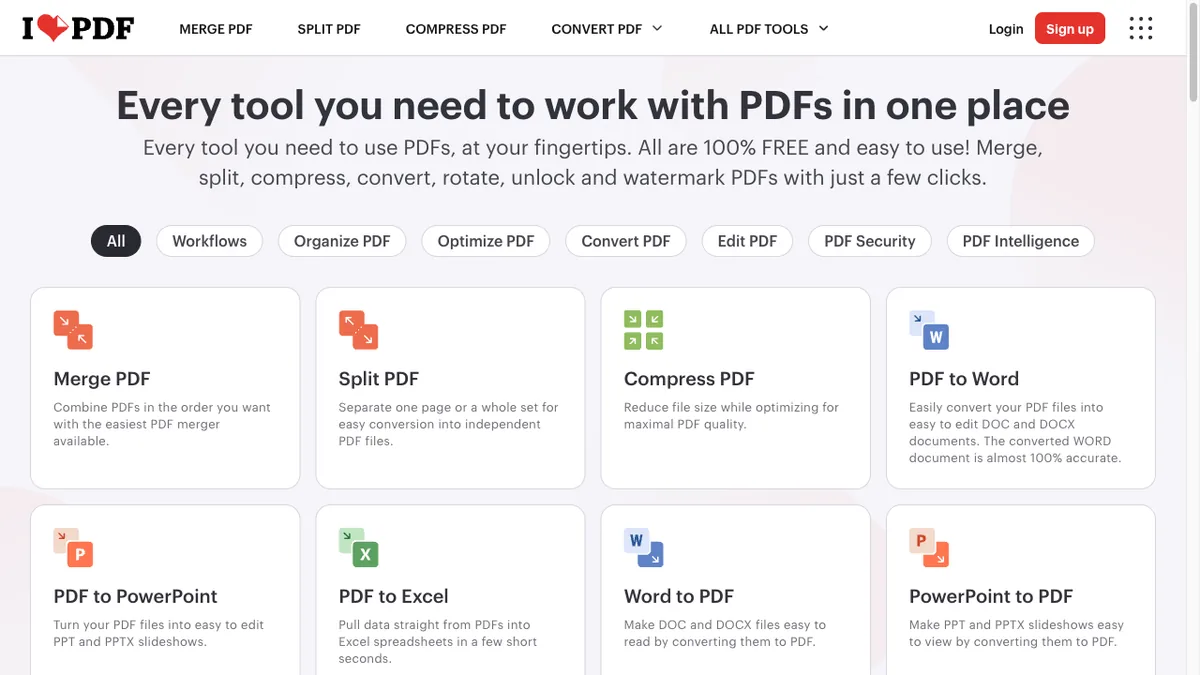
PDF toolkit · Free + Premium $7/mo · Best for batch PDF workflows
iLovePDF stacks more than 25 PDF tools into one tabbed interface, including merge, split, compress, OCR, and convert to Word, Excel, or PowerPoint. Free users can chain multiple files together for batch conversion, with a soft limit around 25 MB or 25 files; Premium lifts that to 4 GB and adds desktop and mobile apps. Conversions are server-side, with files deleted after two hours. If your workflow is specifically Word-to-PDF, our free PDF-to-Word converter guide compares the cleanest options in more depth.
3. CloudConvert
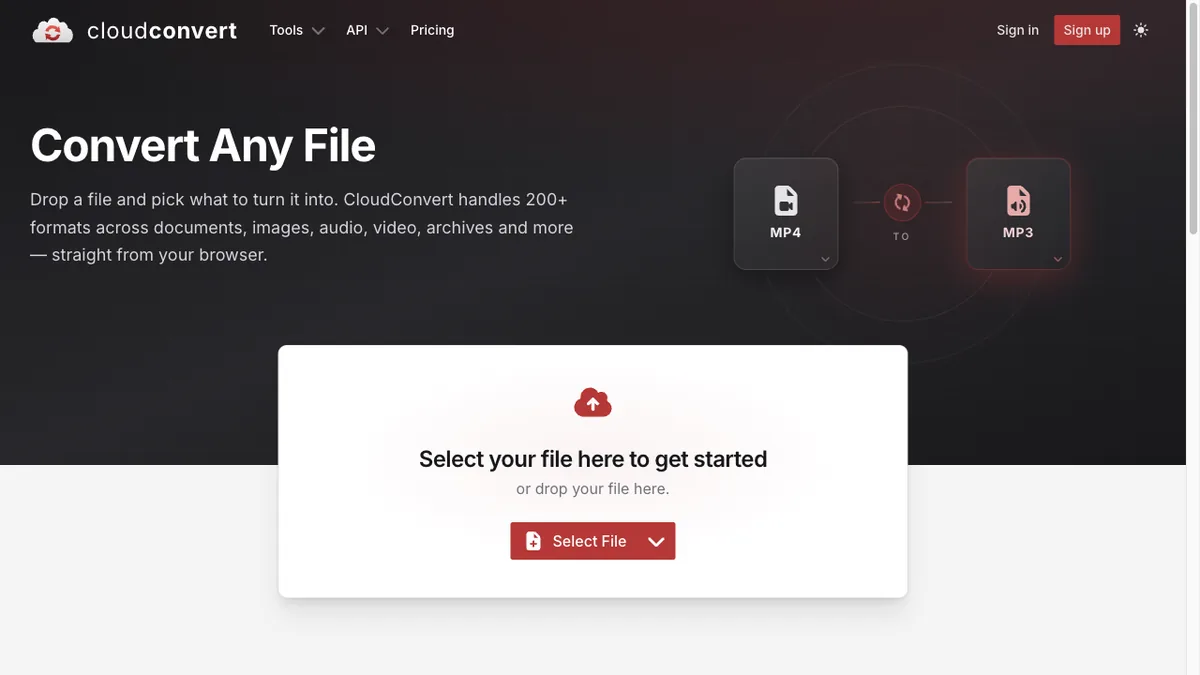
200+ formats · Free (25/day) + pay-as-you-go · Best for unusual formats
CloudConvert is the power-user pick when you need to convert something weirder than a PDF — CAD files, EPUB, ODT, FLAC, MKV, or vector formats like SVG and AI. It supports more than 200 formats and exposes fine-grained options like DPI, page range, and codec. Free accounts get 25 conversion minutes per day; beyond that you buy credit packs. API access and Zapier integration make it a favorite for automation.
4. Zamzar
1,100+ formats · Free (2 files/day, 50 MB) + paid from $9/mo · Best for one-off rare conversions
Zamzar has been doing this since 2006 and still claims one of the widest format lists on the web — over 1,100 combinations including obscure legacy formats. The free tier caps you at two files per day and 50 MB each, with a wait for results unless you upgrade. Paid plans add larger files, faster queues, and an email-to-convert feature that is genuinely useful on mobile.
5. Convertio
300+ formats · Free (100 MB, 10/day) + from $9.99/mo · Best for OCR-heavy work
Convertio's OCR engine supports more than 35 languages and is one of the few free options that handles non-Latin scripts well. It covers documents, images, audio, video, archives, and e-books, with a 100 MB free limit and Chrome and Firefox extensions. Files are stored encrypted and deleted after 24 hours. For dedicated text-recognition workflows, also see our roundup of the best free OCR software.
6. PDF24 Tools
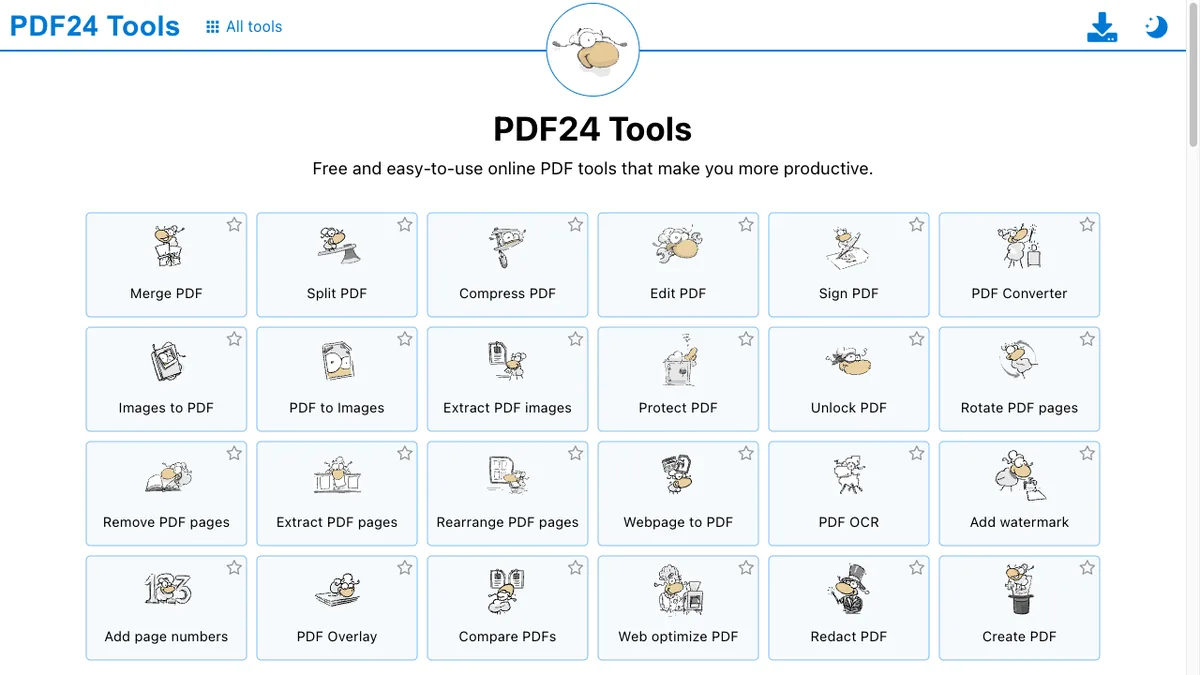
PDF only · Completely free, no signup · Best for privacy-first conversion
PDF24 is the standout privacy pick: most of its tools run entirely in your browser via WebAssembly, so the file never leaves your device. It is also genuinely free — no watermarks, no daily caps, no upsell on the free tier. The trade-off is that very large files can stall the browser, and a few advanced tools still round-trip to the server. For sensitive documents, this is the one to use.
7. Sejda PDF
PDF editor + converter · Free (3 tasks/hr, 200 pages, 50 MB) + $7.50/mo · Best for in-browser PDF editing
Sejda blurs the line between converter and editor. You can convert PDF to Word, Excel, JPG, or HTML, then edit the result in the same tab without re-uploading. The free tier is generous: three tasks per hour with no watermark. A desktop version processes files locally if you need offline or fully private operation. If editing is your main need, compare it against the field in our best free PDF editors guide.
8. PDF Candy
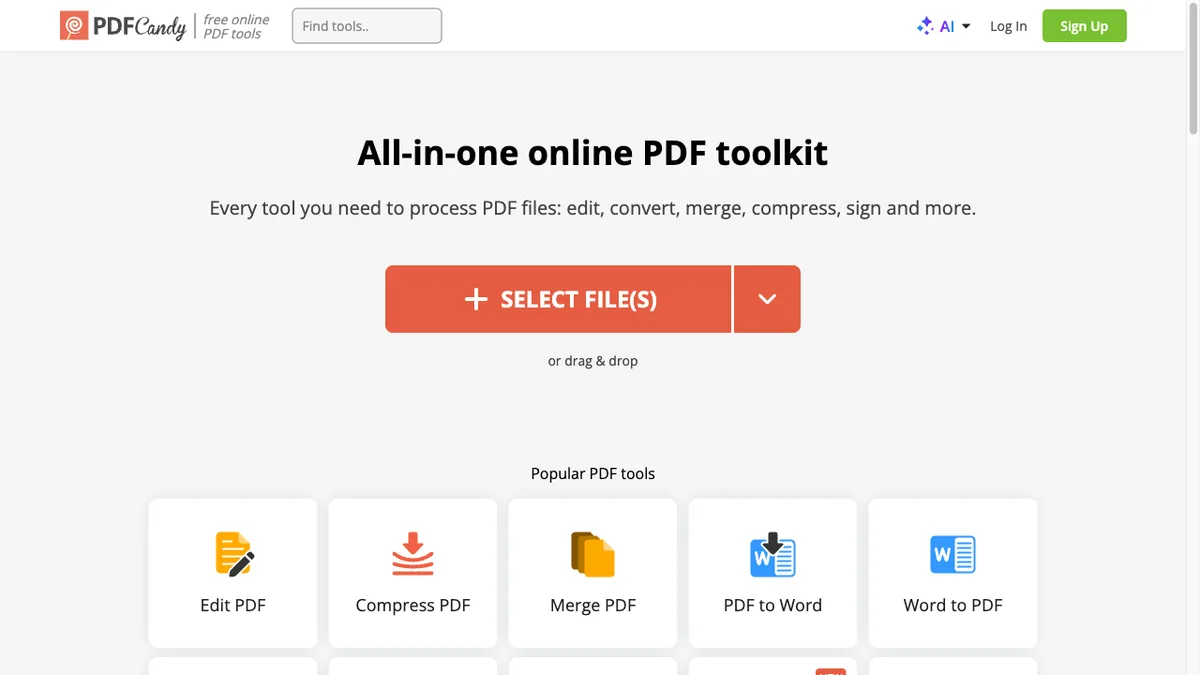
90+ PDF tools · Free (1 task/hr) + Pro $6/mo · Best for clean free-tier output
PDF Candy bundles 90+ PDF utilities with one of the cleanest free outputs — no watermarks, no signup needed for basic use. The hourly throttle pushes power users to Pro, which removes limits and adds desktop apps for Windows and macOS. Conversion accuracy on complex layouts (multi-column PDFs, embedded tables) is consistently strong.
9. Online-Convert.com
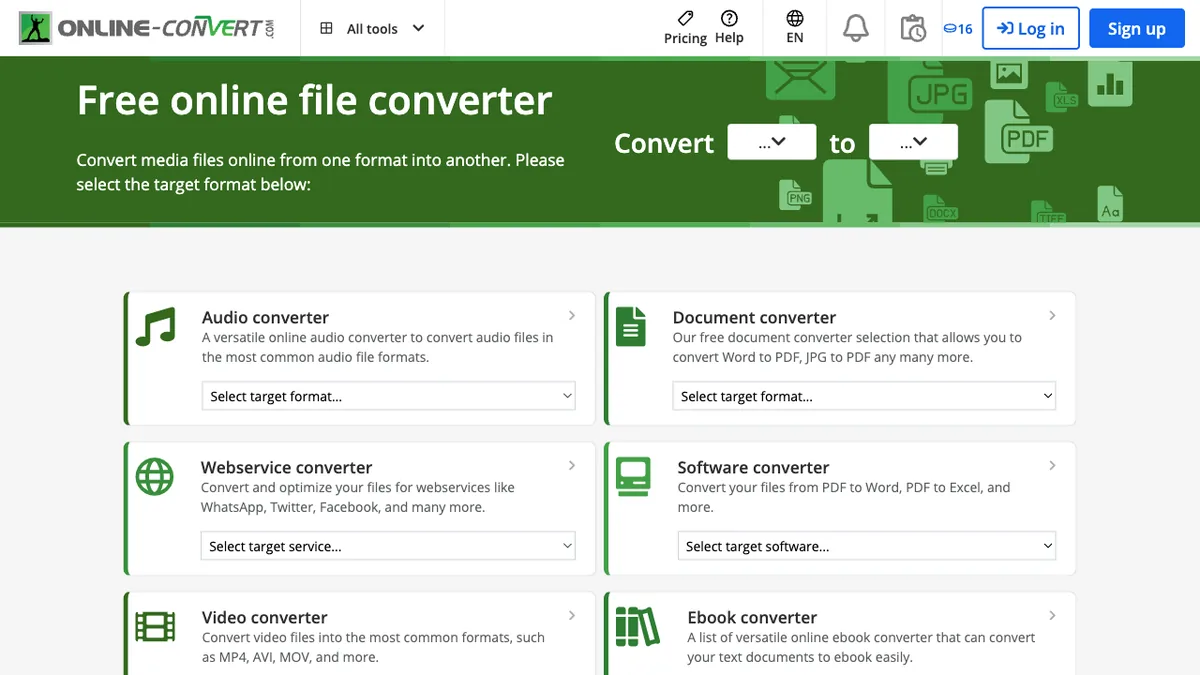
All media types · Free (100 MB) + from $9/mo · Best for media + documents in one place
Online-Convert handles documents, audio, video, images, e-books, archives, and even hash generation under one roof. Each converter exposes deep options — bitrate, codec, page size, font embedding — that more polished competitors hide. Free users get 100 MB per file and a queue; paid tiers raise limits to 1 GB and add parallel conversions.
10. FreeConvert
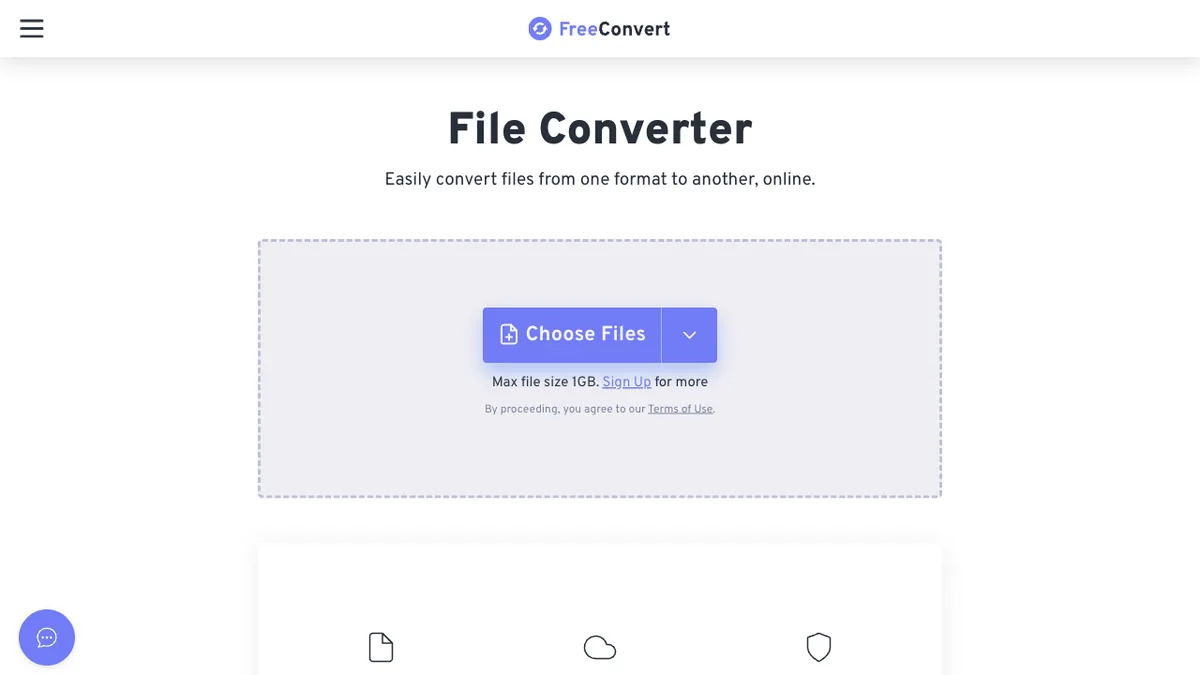
1,500+ conversions · Free (1 GB) + from $9.99/mo · Best for large files on the free tier
FreeConvert's headline feature is the unusually generous 1 GB free file limit, which makes it the go-to for large video or scanned PDF conversions when you do not want to install anything. It supports more than 1,500 conversion pairs and lets you tweak output settings before queuing. Files are deleted after a few hours and the site is SSL-secured end-to-end.
Best Converter for Each Job
If you know exactly what you are converting, skip the shortlist and go straight to the right tool:
| The job | Best pick | Why |
|---|---|---|
| PDF ↔ Word / Excel / PowerPoint | Smallpdf or Sejda | Cleanest layout fidelity |
| Confidential / sensitive files | PDF24 | Converts locally in your browser |
| Rare / legacy formats (CAD, EPUB, RAW) | CloudConvert or Zamzar | 200–1,100+ formats |
| OCR / scanned documents | Convertio or Smallpdf | 35+ languages, clean text output |
| Large files (500 MB+) | FreeConvert | 1 GB free file limit |
| Batch / many files at once | iLovePDF | Most intuitive batch interface |
| Automation / API | CloudConvert | Full API + Zapier integration |
| Fully offline / desktop | LibreOffice or Sejda desktop | Nothing is ever uploaded |
Desktop & Offline Converters Worth Knowing
Web tools are convenient, but for the most sensitive files — or for jobs a browser simply cannot handle — a desktop app that never uploads anything is the safer, faster choice. These free and low-cost options cover the gaps the online services leave:
LibreOffice
Free and open-source, LibreOffice opens and exports dozens of document formats (DOC, DOCX, ODT, XLSX, PPTX, and more) and can batch-convert entire folders from the command line with a single --convert-to command. It is the best zero-cost way to convert Office documents without ever sending them to a server.
Calibre
If you work with e-books, Calibre is unmatched: it converts between EPUB, MOBI, AZW3, PDF, and more, and manages a whole library while it does. Online tools can do single e-book conversions, but Calibre handles bulk libraries and preserves metadata far better.
Pandoc
Pandoc is the developer's Swiss-army knife for text formats — Markdown, HTML, LaTeX, DOCX, EPUB, and RST all interconvert from the command line. It is overkill for a one-off PDF, but indispensable for anyone who publishes in multiple formats from a single source.
HandBrake & VLC
When a "document" is really a media file, HandBrake (video) and VLC (audio and video) convert locally with total control over codecs and quality — no upload limits, no queues, and no privacy trade-off.
Adobe Acrobat Pro
The paid professional standard. Acrobat produces the highest-fidelity PDF↔Word conversions of anything here and adds enterprise features (redaction, e-signatures, advanced OCR), but at $22.99/month it only makes sense if PDFs are a daily part of your job.
Choosing the Right Online Document Converter
Start with privacy. If the document contains anything sensitive — contracts, medical records, financial statements — pick a tool that processes the file in your browser rather than uploading it to a server. PDF24 is the clearest example, and Sejda's desktop build is a strong fallback. Server-side tools like Smallpdf and iLovePDF do delete files after an hour or two, but the file still leaves your machine.
Next, match the tool to the format. For everyday PDF↔Word, Excel, or PowerPoint, almost any tool in this list works; Smallpdf and Sejda produce the cleanest layout fidelity. For unusual formats — CAD, EPUB, RAW images, audio codecs — CloudConvert and Zamzar are in a different league. If OCR is the job, Convertio and Smallpdf give the most accurate text extraction, especially on non-English scans.
Then consider volume and file size. Free tiers vary wildly: FreeConvert allows 1 GB per file, Zamzar caps at 50 MB and two files a day, and most others sit in the 100–200 MB range. If you convert one document a week, free is plenty. If you process dozens daily or need API access for automation, the $7–$10/month plans on iLovePDF, Smallpdf, or CloudConvert pay for themselves quickly.
Finally, watch for watermarks and forced signups. PDF24, PDF Candy, and Sejda's free tiers stay watermark-free, which matters if the converted file is going to a client. And if your files are mostly images rather than documents, a dedicated tool like our free online image compressor will give you better control over quality and size than a general-purpose converter.
Sources & Further Reading
Frequently Asked Questions
Are online document converters safe to use for confidential files?
It depends on the tool. Server-side converters (Smallpdf, iLovePDF, CloudConvert, Zamzar) upload your file, process it, and delete it — usually within an hour or two — but the file does briefly sit on someone else's server. For genuinely confidential material, prefer a browser-based tool like PDF24, which runs the conversion locally via WebAssembly so the file never leaves your device, or use a desktop app like LibreOffice or the desktop build of Sejda or PDF24.
What's the difference between browser-based and server-side conversion?
Server-side tools upload your file to the provider's infrastructure, convert it there, and let you download the result. Browser-based tools use WebAssembly or JavaScript libraries to do the work entirely on your own computer — nothing is uploaded. Browser-based is more private and often instant, but can be slow or unstable on very large files. Server-side is faster for big jobs and supports more formats.
Which online converter has the best free tier in 2026?
PDF24 is the most generous overall — no signup, no watermarks, no daily caps, and most tools run client-side. For larger files, FreeConvert's 1 GB free limit is unbeatable. PDF Candy and Sejda offer clean watermark-free output with modest hourly throttles. Smallpdf and iLovePDF have stricter free limits but the highest output quality.
Do these tools support OCR for scanned PDFs?
Yes, most do. Smallpdf, Convertio, iLovePDF, and PDF24 all include OCR that converts scanned PDFs into searchable, editable text. Convertio supports the widest language range (35+), and Smallpdf produces the cleanest output for English documents. Accuracy depends heavily on scan quality — 300 DPI or higher gives the best results.
Can I batch-convert multiple files at once?
iLovePDF, CloudConvert, FreeConvert, and Online-Convert all support batch processing on free or paid tiers. iLovePDF's batch interface is the most intuitive; CloudConvert is best if you need different output settings per file. Smallpdf and Sejda support batch on paid plans only. For fully local batch jobs, LibreOffice can convert an entire folder from the command line.
Will the converted file look exactly like the original?
For simple documents, yes. Complex layouts — multi-column PDFs, embedded fonts, intricate tables, math equations — can shift during conversion. Smallpdf, Sejda, and PDF Candy generally produce the highest-fidelity PDF↔Word output. If layout fidelity is critical, convert to PDF/A or keep the original PDF and extract content separately rather than fully converting.
Are desktop converters better than online tools?
For privacy and large files, yes. Desktop apps like LibreOffice, Calibre, and HandBrake convert entirely on your own machine — nothing is uploaded, there are no file-size caps, and there is no queue. Online tools win on convenience and format breadth, and they need no installation. A good rule: use an online tool for quick, non-sensitive jobs, and a desktop app for confidential documents or files over a few hundred megabytes.
Which tool is best for converting ebooks?
For a single e-book, Convertio, CloudConvert, and Online-Convert all handle EPUB, MOBI, and AZW3 well. For anything beyond one file — a whole library, or conversions where metadata and formatting matter — the free desktop app Calibre is in a class of its own and is what most avid readers use.
Information is based on public sources and vendor pages current as of June 2026. Details, prices and plans change frequently — verify on the official site before relying on them.