How to Send a Fax Online in the Absence of Fax Machine
By Editor
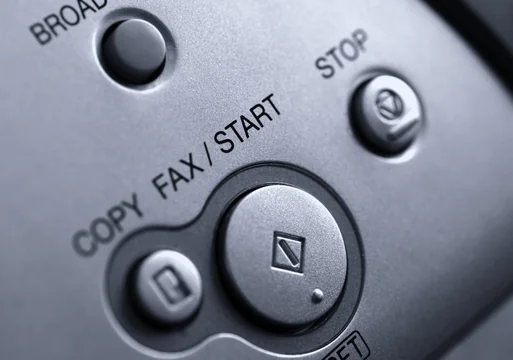
Do you know you can send a fax from your computer for free? Today in this short tutorial we will see how to send free online fax with tons of services available on the market.
Your eyes might have lit up with the word FREE, but every free fax service has some limitations. They are more of Freemium type services. However, still you will able to send an occasional fax without paying anything.
The services that I am going to share, work on a basis of sending a fax from your computer, using a third party service to accept that document via email and sending that received email to a fax machine by traditional way of dialing a fax number that is then received by the final destination.
 3. The form needs to be filled up with sender info and receiving end info. You can attach your text message or a file made in .doc or .pdf format.
4. After filling up everything you just need to click on send, and you will receive a notification on your email about the successful delivery.
3. The form needs to be filled up with sender info and receiving end info. You can attach your text message or a file made in .doc or .pdf format.
4. After filling up everything you just need to click on send, and you will receive a notification on your email about the successful delivery.
Supplies Needed
- A Computer with Internet Connection
- Email account like Gmail, Yahoo
- Third party service like RingCentral, MyFax etc.
Instructions to be followed
1. Make a free account on MyFax that allow you to send a fax for a month as a free trial. Like I said before if you are an occasional fax sender you might get everything for free. MyFax allows you to send a free online fax without paying anything for a full month. 2. Fill the form that say Send a fax for free one time below:
3. The form needs to be filled up with sender info and receiving end info. You can attach your text message or a file made in .doc or .pdf format.
4. After filling up everything you just need to click on send, and you will receive a notification on your email about the successful delivery.