Everything about On-Page SEO in Less than 1000 Words
By Editor
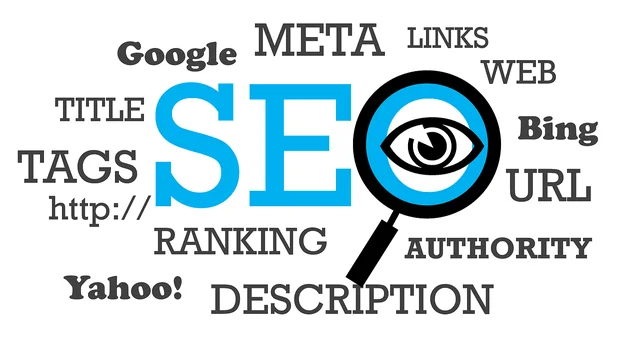
Recently one of my friends asked me about On-Page SEO, what do I do on a web page for search engine optimization (SEO). It is a common question people ask me. It is tough to answer quickly. So, I decided to write a quick article for my friend and other mutual seekers.
Before moving to On-Page SEO, I should first explain what is SEO? Moreover, how does it affect a website/blog or a business?
So What Is SEO?
Search Engine Optimization or SEO as we call it is a set of actions we as a blogger take to appear in search results as high as possible. By search results, I mean search engines like Google, Bing, Yahoo, etc. That is it. It is not rocket science, but it needs proper planning and effective measures.Look great in Search with On-Page SEO
There are two ways people like to do On-Page SEO, I will be describing both. Moreover, in the end, tell me which one is easier and which one is more efficient. All you need to know right now is that in Google Search your web site appears with a Title and Description.Normal On-Page SEO
Fill in all - Site Title or Page Title, Description and Keywords. Site Title - Always choose a title that is about 60 characters. Description - Fill in description of your web page in about 155 characters. Keywords - Put keywords in Site Title and Description. Note:- All spaces are also counted in Character countsExpert way to On-Page SEO
Apart from doings things normally, you should also do few extra things that experts do while doing On-Page SEO.- Update content regularly.
- Don't copy.
- Spell check - Check spellings and look for content error or formatting errors.
- Add Photos, and Video (if possible) for interactivity.
- Make Permalinks like this: https://savedelete.com/blogging/mistakes/. Short and sweat with keyword.
- Use the keyword on your image alt tag.
- Use Outbound Links to authority sites like Wikipedia
- Write your primary keyword in first 100 words of your article.
- Use faster hosting and a good CDN for images.
- Add Social media button on your page for social engagement.
- Post content with longer length "Length is Strength."
- Lower your bounce rate by internal linking, the site's clean design and compelling content.
- Use LSI keywords in content - Google search results show related searches, use them or take advantage of Google's Adword Keyword Tool.