Make a Unique Calendar with Photo Calendar Creator
By SaveDelete
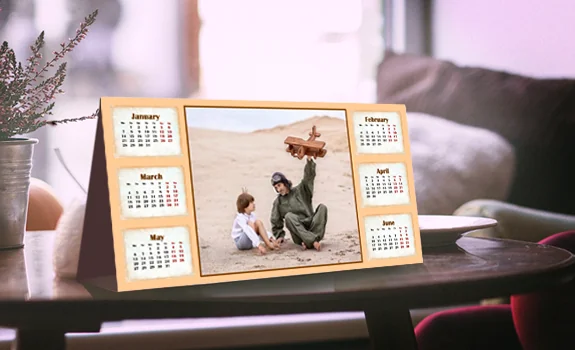
Personalized calendars with photos have been gaining major popularity during last few years. It comes as no surprise - you will hardly find a better one-of-a-kind present for your relatives, friends and colleagues. Photo Calendar Creator will help you make a photo calendar on your PC any time you want. This calendar creator software is easy to work with even for newbies thanks to its user-friendly interface. What’s more, the program comes with dozens of ready-made yet customizable calendar templates. Just choose one and add your own photos to it or design every page to your taste.
Want to give it a go? Then follow the simple instruction below.


How to Create Your Own Photo Calendar: 5 Easy Steps
-
Install Photo Calendar Creator to Your Computer
-
Launch the Software and Pick a Calendar Type to Create
-
Set the Year and the Starting Month of Your Сalendar
-
Customize Your Calendar Page
-
Save and Print Your Photo Calendar
Why to Choose Photo Calendar Creator
The number of its creative possibilities is really impressive. With Photo Calendar Creator, you can make different kinds of calendars:- Convenient weekly or monthly business planners to efficiently organize your work life
- Birthday reminders to never forget about the important dates and anniversaries of the ones you cherish the most; for a better effect make it perpetual
- Sport calendars that include your workout plans
- Meal planners with healthy recipes
- Desk calendars with your treasured family photos to have it in your office and many other types.