The Best WordPress & WooCommerce Plugins Store Owners Need in 2025

Top Best WordPress Plugins for Store Owners 2025
A strong eCommerce setup depends on tools that work quietly in the background while giving you more room to focus on growth. WooCommerce offers an enormous plugin ecosystem, but only a select group manages to balance reliability, performance, and the kind of features that genuinely elevate day-to-day operations.
This collection brings together plugins that influence different parts of the customer journey and your internal workflow. From automation and product feed management to speed improvements, compliance, inventory control, and customer engagement, each option serves a clear purpose.
Whether your goal is to improve visibility, strengthen user experience, maintain compliance, or simplify store management, the right combination of plugins can turn your site into a sharper, more capable platform.
-
WooCommerce PDF Invoices
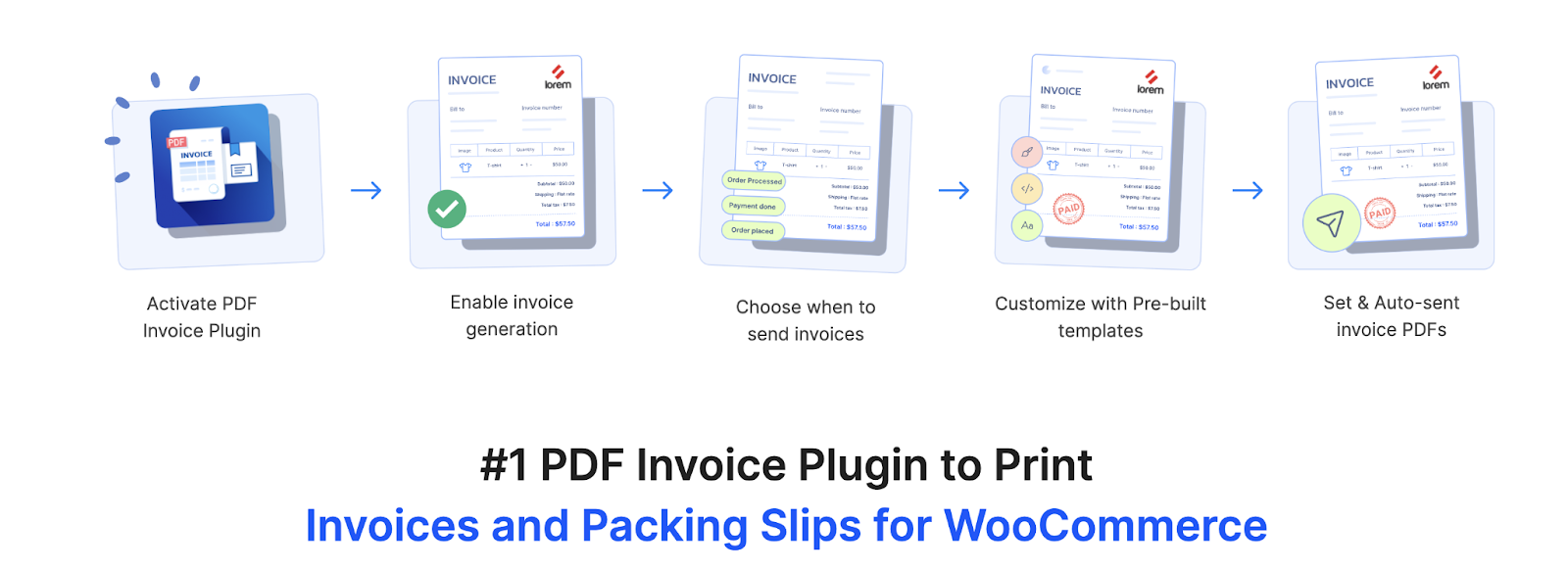
The PDF Invoices & Packing Slips for WooCommerce gives store owners a dependable way to generate and deliver order documents without manual effort. It prepares invoices, packing slips, and credit notes automatically and attaches them to the correct order or refund emails. This creates a clear record for customers while helping you maintain consistency across every step of your fulfillment process. Templates are available out of the box, and each document can be downloaded, printed, or viewed directly from the order page.
The invoice plugin also supports UBL and XML invoice generation, making it suitable for stores that work with B2B clients, government portals, or systems that require machine-readable formats. Bulk printing options allow you to process large batches of invoices and packing slips at once, and customers can access their own invoice PDFs from the My Account section. For orders that require deferred payment, you can include a Pay Now link inside the invoice, giving buyers a convenient way to complete the transaction later.
Customization is a central part of the plugin. You can adjust colors, fonts, and layouts, add branding elements, and include additional fields through the built-in visual or code editor. For more advanced control, the plugin supports the Customizer for WooCommerce PDF add-on, which introduces a drag and drop interface and block-based editing for flexible template creation.
-
Widgets for Google Reviews

Widgets for Google Reviews help businesses present authentic customer feedback directly on their WordPress site through clean, polished display options. It connects to your Google Business profile and pulls in recent reviews, allowing you to show social proof in a format that supports your brand image. With a collection of layouts and styles, you can design a widget that fits naturally into your pages and highlights the experiences customers value most.
The plugin supports multiple visual arrangements, including grids, lists, carousels, and other engaging formats. You can choose from a wide range of predesigned styles or adjust individual elements to match your site’s look. Reviews can be filtered to display only the ones you want to feature, and you can show or hide replies, anonymize reviewer names, or remove specific entries when needed. This gives you full control over what appears on your site while keeping the presentation clean and consistent.
-
WooCommerce Address Labels
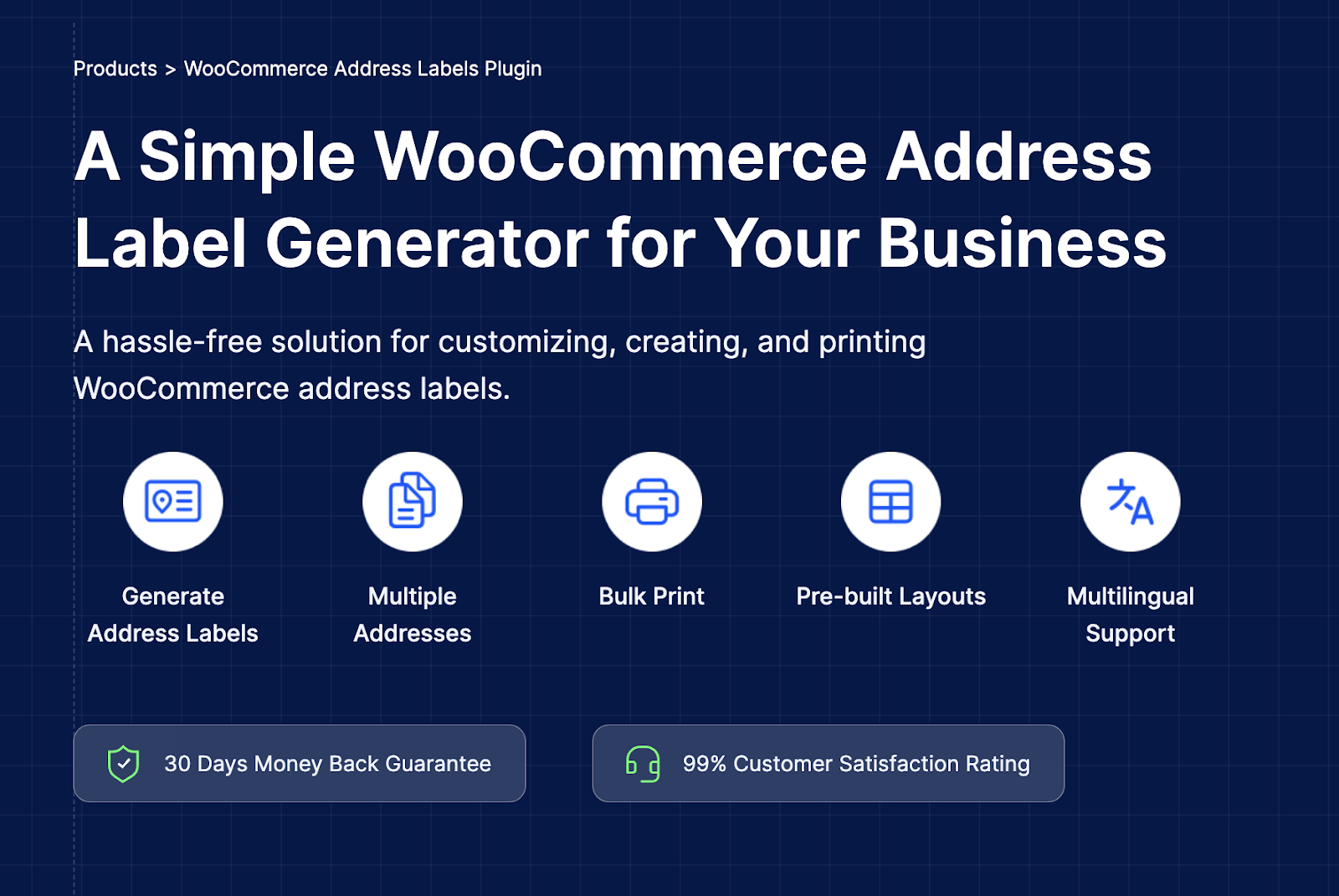
The WooCommerce Address Label plugin provides a simple and efficient way to generate the address documents needed for order fulfillment. It creates accurate labels for shipping, billing, sender, and return addresses, removing the need for manual formatting. Every label is generated automatically when an order is placed, and you can download or print it from the order page.
Its bulk print option allows you to produce multiple labels on a single sheet, which reduces printing time and speeds up packing. You can choose the address type you want to display in your active layout, and any changes you make will apply instantly across all existing and future labels.
Custom layouts give you the flexibility to include details that matter for your workflow. Whether you need to show a sender address, adjust formatting, or switch between billing and shipping information, the plugin updates everything automatically.
-
UpdraftPlus

UpdraftPlus gives WordPress users a dependable way to protect their websites with scheduled backups, simple restoration tools, and smooth migrations. It brings every essential backup function into a clear interface, making it suitable for both beginners and experienced site owners. With only a few steps, you can safeguard your files, themes, plugins, uploads, and database, and restore them whenever needed.
The plugin supports a wide range of remote storage services, including Google Drive, Dropbox, Amazon S3 and compatible platforms, Rackspace Cloud, FTP, DreamObjects, OpenStack Swift, and email. This flexibility helps you keep multiple copies of your site in secure off-site locations. You can also automate the entire process by creating backup schedules that run in the background without requiring manual attention.
The process avoids unnecessary complexity and gives you control over what to include or exclude. With reliable performance, strong storage options, and an interface that keeps everything straightforward, UpdraftPlus remains a practical choice for WordPress users who want to keep their site safe and portable.
-
Sequential Order Numbers for WooCommerce
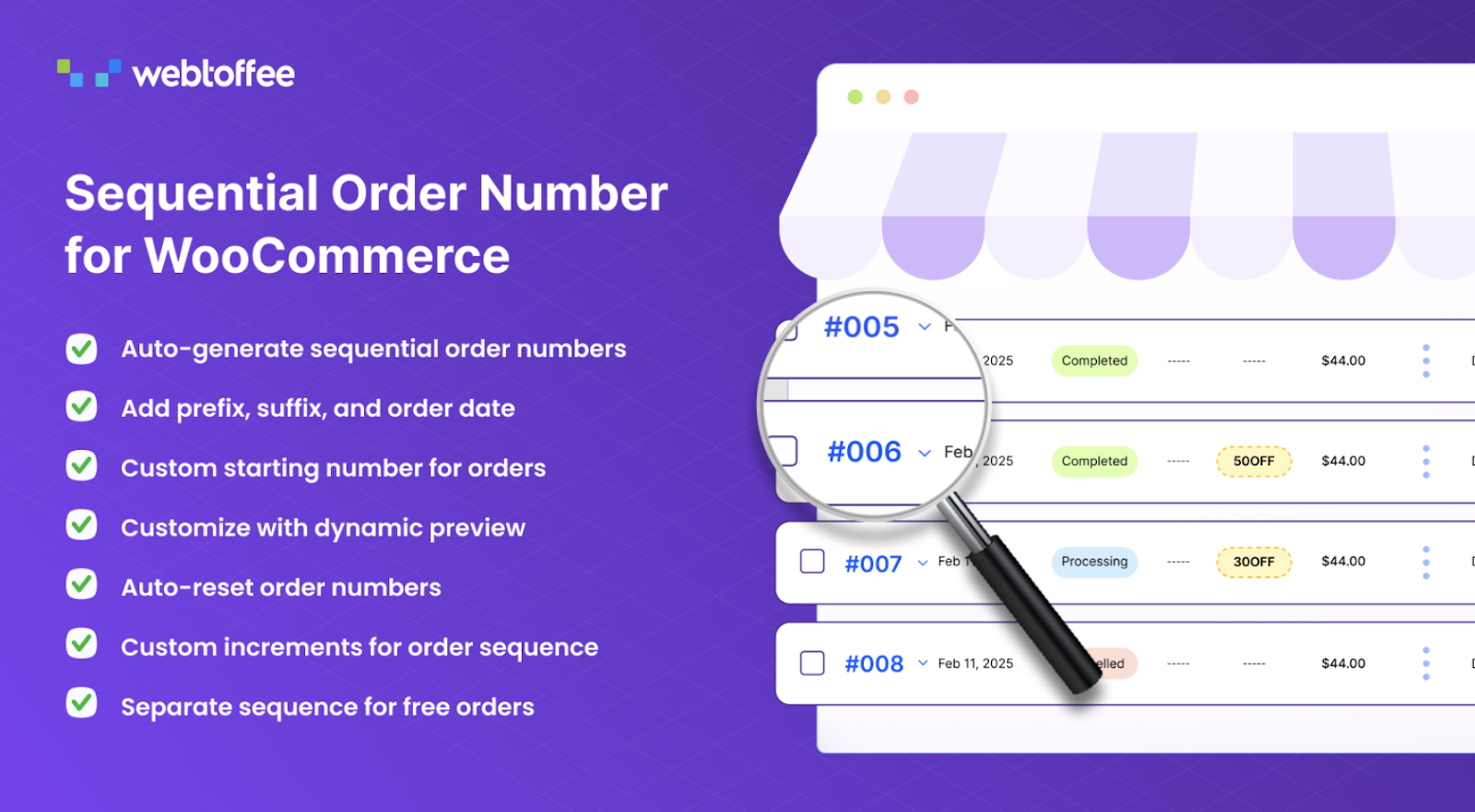
Sequential Order Numbers for WooCommerce helps store owners maintain a clean and organized order history by replacing random IDs with a clear numbering pattern. It creates a continuous sequence that is easy to read, easy to track, and far more practical for accounting, reporting, and customer communication.
The custom order number plugin lets you assign prefixes, suffixes, and date formats, giving every order number more meaning. You can define any starting number and choose the exact increment you want, which is helpful for stores that follow specific internal numbering systems. For businesses that want fresh sequences over time, the plugin includes automatic resets that can run daily, monthly, or yearly.
It also supports separate sequences for free orders, ensuring that these transactions do not interrupt your main order flow. The result is a structured and consistent numbering system that supports smoother record keeping, clearer reporting, and a more organized WooCommerce environment.
-
ATUM Inventory Management for WooCommerce
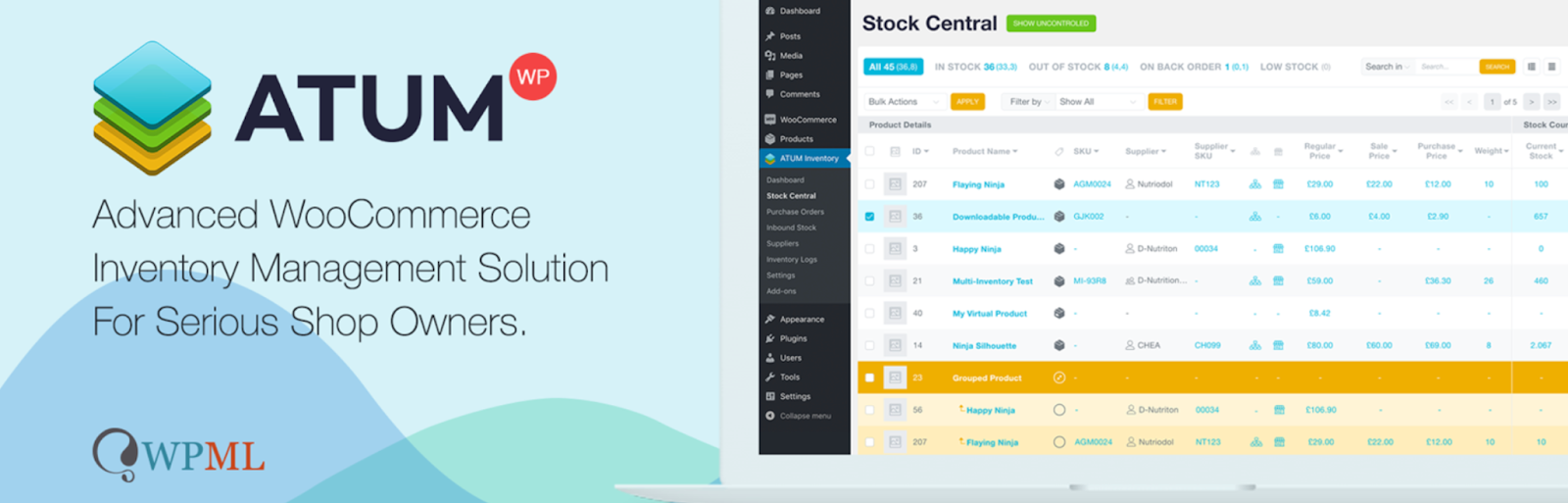
ATUM is a dedicated inventory management solution that gives WooCommerce store owners a clearer and more organized way to oversee stock, suppliers, and product details. It brings every essential element of inventory control into one structured dashboard, helping you understand what you have, what needs attention, and how your catalog is performing at any moment. The interface is designed to feel familiar and easy to navigate, which allows you to manage large inventories easily.
The Stock Central panel acts as the main hub where you can edit quantities, SKUs, suppliers, pricing, product locations, and even weight information. Every field is accessible from one view, letting you make adjustments quickly and avoid moving through multiple product pages. This centralized approach improves accuracy and reduces the time needed to maintain a healthy stock flow.
ATUM also includes detailed inventory logs that record changes, track movements, and highlight important events in your stock history. Together, the dashboard, editing tools, and tracking features make ATUM a strong option for stores that want real-time insight into their WooCommerce inventory.
-
Request a Quote for WooCommerce
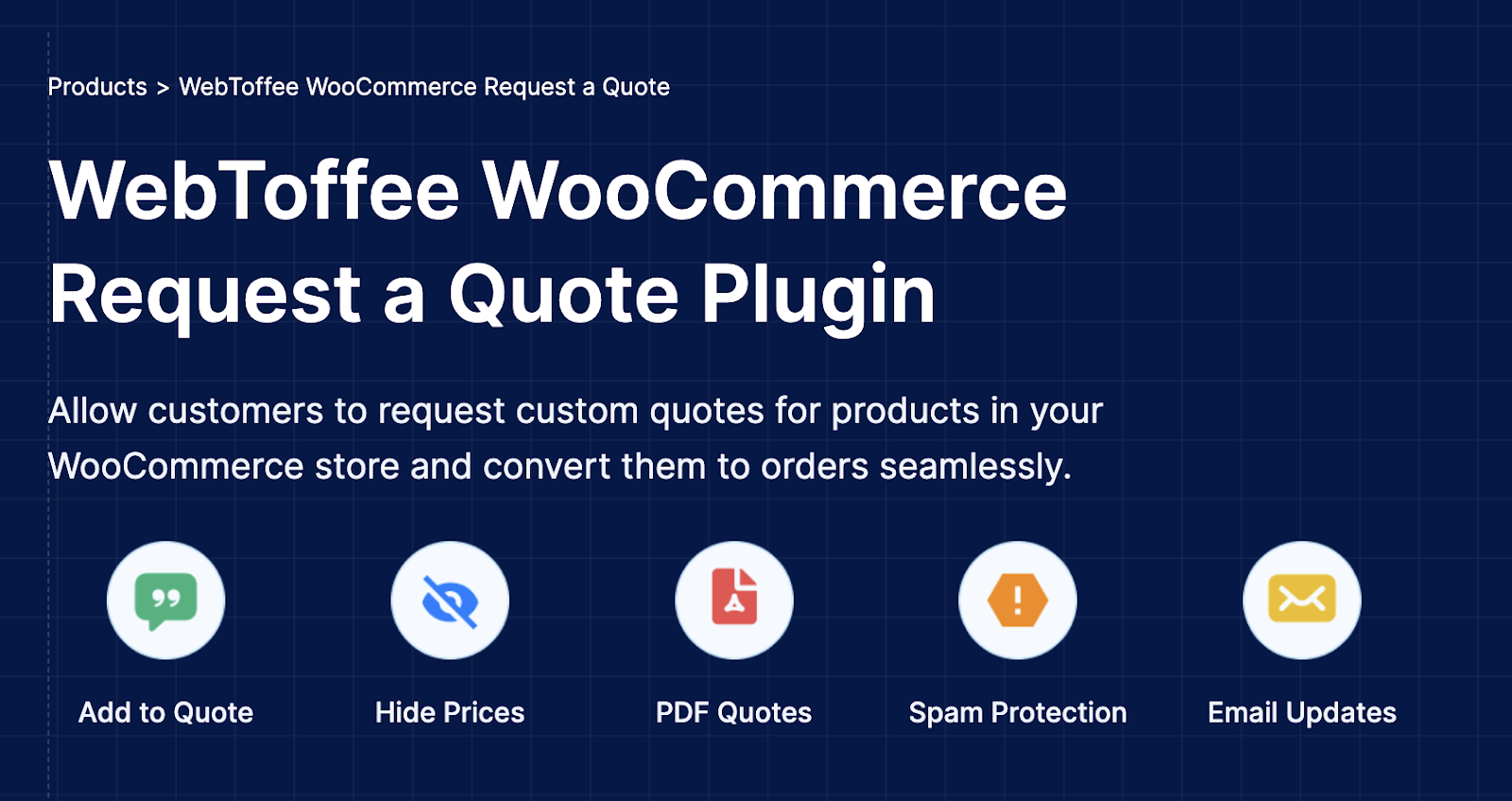
The Request a Quote plugin gives WooCommerce stores a structured way to handle custom pricing and WooCommerce quotation-based sales. It helps you shift from a standard checkout flow to a negotiation-friendly process where shoppers can select products and request pricing that fits their needs. This approach works well for businesses that sell in bulk, offer variable pricing, or work with customers who prefer to confirm rates before placing an order.
You can hide prices, replace the add-to-cart button with an Add to Quote option, and let customers build a quote basket as they browse. Each request arrives in a clear format, allowing you to review details, adjust prices, and send a tailored offer that the customer can convert into an order in a single step. The plugin also allows visitors to propose their own price, which opens the door to more flexible negotiations.
The plugin includes automatic email replies, instant alerts for new quote submissions, and the ability to attach PDF quotations. A built-in reCAPTCHA option helps prevent spam requests, keeping your inbox focused on genuine inquiries.
-
myCred

myCred is a flexible rewards and gamification system that helps you motivate users through points, ranks, badges, and structured incentives. It works across WordPress and WooCommerce, allowing you to reward customers for purchases, engagement, community activity, and other actions that matter to your business. With clear rules, real-time tracking, and automated triggers, myCred turns everyday interactions into meaningful progress that encourages users to return and stay active.
The plugin lets you create detailed points programs that assign rewards for events such as logging in, placing orders, leaving reviews, commenting, or completing specific tasks. You can combine multiple reward types to shape a loyalty experience that suits your store, whether you want to focus on WooCommerce points and rewards, cashback, content monetization, or member participation. Ranks add another layer by showing clear milestones within your community, while badges help celebrate achievements that deserve recognition.
With these tools, myCred helps create a more engaging environment where customers feel valued, participate more often, and stay connected to your brand over time.
-
Tidio

Tidio brings real-time communication, automation, and conversational support together in one system, helping you interact with visitors the moment they need assistance. It blends live chat with AI-driven automation so customers receive quick, accurate responses even when your team is away. With a clear interface and a customizable chat widget, Tidio makes it easy to offer help, answer questions, and guide users toward the right products or solutions.
The plugin supports direct conversations with visitors, allowing you to understand their concerns and respond without delay. Its AI tools, including Lyro, handle common questions automatically and keep conversations moving when human support is not immediately available. You can track visitor activity as it happens, which gives you a better idea of what people are viewing and where they may need support. This insight helps you step in at important moments and improve conversion opportunities.
With its strong mix of automation and personal communication, Tidio helps create a support experience that feels immediate, helpful, and easy for both teams and customers.
-
GDPR Cookie Consent
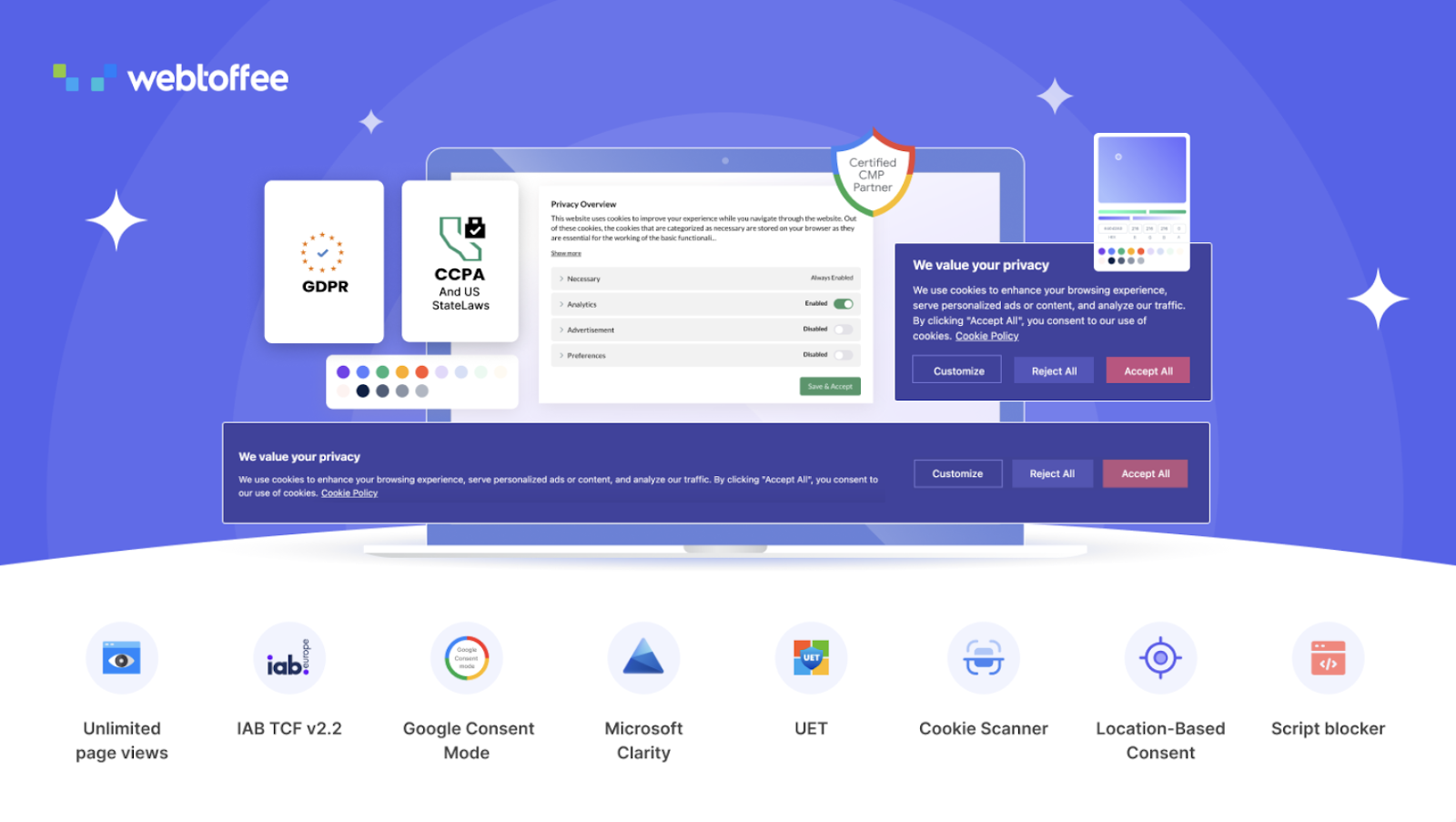
The GDPR Cookie Consent plugin provides a structured and transparent way to manage user permissions across your WordPress site. It displays a clear banner that lets visitors accept or reject cookies, helping you meet requirements under GDPR, CCPA, and other global privacy regulations. As a Google-certified CMP, the plugin supports Consent Mode v2 and includes automatic script blocking, so tracking tools run only after a user gives proper consent.
The plugin also manages consent for Microsoft Clarity, UET, and a wide set of advertising and analytics services. For sites that work with ad networks, it supports the IAB Transparency and Consent Framework v2.2. This allows you to load an IAB-compliant cookie banner that lists purposes, features, and registered vendors so users can make informed decisions. Visitors can approve specific vendors, agree to certain purposes, or grant consent based on legitimate interest, giving them full control over their data.
The plugin includes an advanced cookie scanner that identifies all cookies used across your site and groups them by category. A built-in blocker prevents third-party scripts from running until proper consent is given, and granular controls let users accept only the categories they are comfortable with.
-
LiteSpeed Cache for WordPress

LiteSpeed Cache for WordPress brings together powerful caching and optimization tools that help your site load faster and respond more smoothly across all devices. It works on any major web server and uses smart performance techniques to reduce page load time, handle traffic more efficiently, and improve overall browsing quality. With server-level caching at its core, the plugin delivers quicker responses while keeping configuration straightforward.
The plugin includes support for object caching through Redis, Memcached, or LSMCD, which helps dynamic sites handle database requests with greater efficiency. Its optimization suite covers a wide range of front-end improvements, including minification and the combination of CSS and JavaScript files, automatic generation of critical CSS, and compression options for images. These refinements reduce the weight of your pages and ensure browsers only load what is needed at the right moment. Lazy loading also ensures that images and iframes appear only when they enter the visible area of the screen.
With its blend of caching, optimization, and CDN support, LiteSpeed Cache offers a complete approach to accelerating WordPress sites without adding complexity.
-
Import Export Suite for WooCommerce
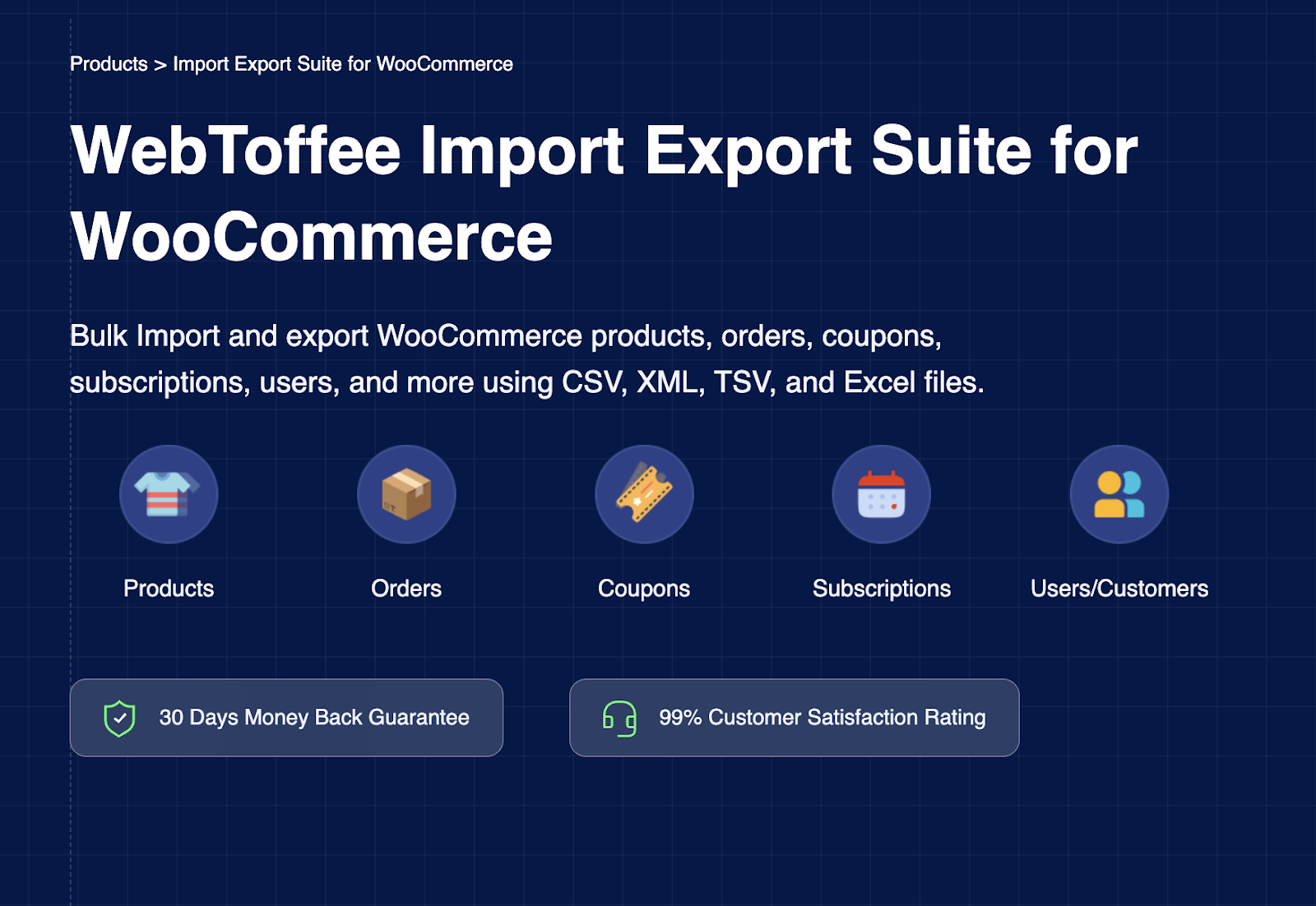
The Import Export Suite for WooCommerce gives store owners a complete system for managing large volumes of store data without manual copying or repetitive updates. It supports products, orders, customers, coupons, subscriptions, and reviews, making it easier to move information between sites, update records, or maintain consistent data across multiple platforms. With flexible mapping tools and support for CSV, XML, TSV, and Excel files, the suite adapts to a wide range of workflows.
You can choose quick imports for fast updates or switch to advanced modes when you need deeper control over field mapping, filtering, or selective data handling. The plugin works seamlessly with all WooCommerce product types, including simple, variable, grouped, affiliate, custom, and subscription products. Powerful export filters let you extract only the information you need, whether by category, date, product type, customer segment, or order status. Bulk actions make it simple to update existing data or add new entries without editing items one by one.
For stores that rely on routine updates, automated scheduling through FTP or SFTP keeps imports and exports running in the background. This helps prevent delays, improve accuracy, and maintain smooth day-to-day operations. The suite brings together capabilities found in WebToffee’s Product Import Export for WooCommerce, Order Import Export for WooCommerce, and User Import Export for WooCommerce, giving you a unified and efficient system for managing store data at scale.
Conclusion
Choosing plugins with intention can dramatically shape how effortlessly your store operates. The tools highlighted in this list focus on real improvements - faster performance, clearer workflows, consistent documentation, accurate data handling, and stronger connections with customers. They each play a distinct role, but together they contribute to a smoother and more resilient eCommerce environment.
As your needs expand, the plugins you select should support that growth without adding unnecessary complexity. The options here give you the flexibility to adapt your processes, refine user experience, and manage your store with greater confidence.