Chrome Quietly Installed a 4GB Gemini Nano Model on Your PC — Here Is What It Does and How to Remove It
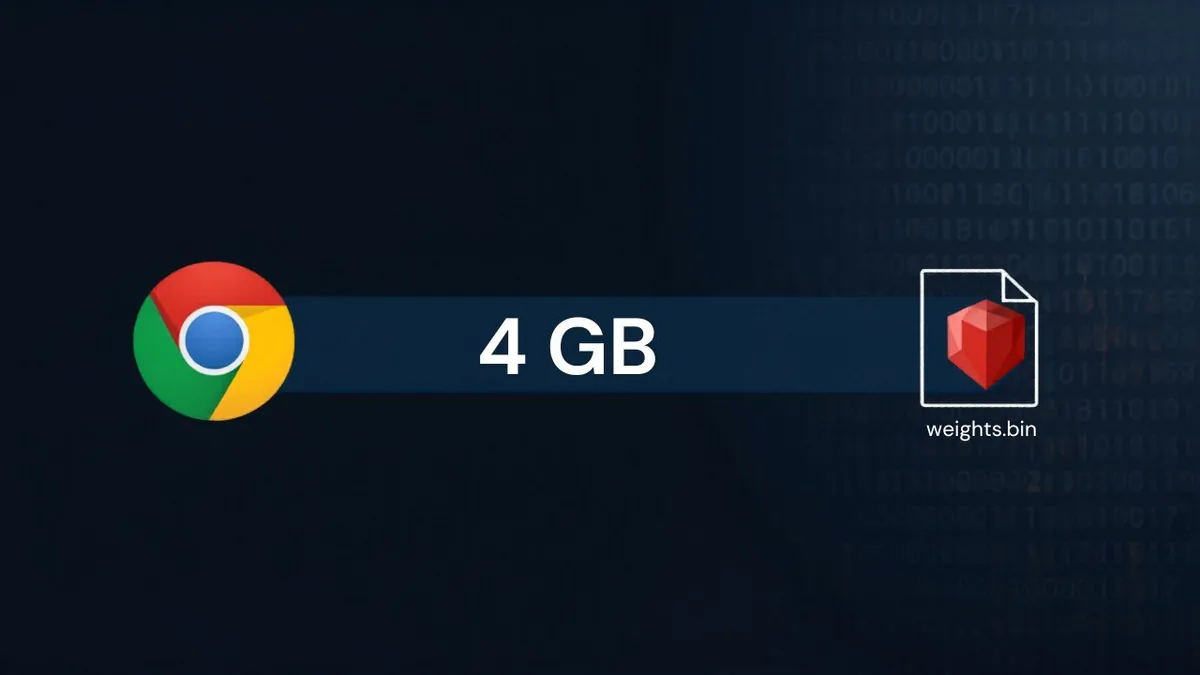
Google Chrome has been silently installing a roughly 4GB AI model on your computer. The model is called Gemini Nano. It lives in a file named weights.bin inside Chrome's OptGuideOnDeviceModel directory. Google says it has been shipping this since 2024. Most Chrome users had no idea.
The story broke after a researcher (handle: The Privacy Guy) flagged the silent download, and within 24 hours The Verge, 9to5Google, Engadget, ZDNET, PCWorld, and Tom's Hardware all picked it up. Google's response, via Chrome Security head Parisa Tabriz, defended the practice: the model powers on-device scam detection plus developer APIs and never sends data to the cloud. Google also noted that a user-facing toggle to disable and remove the model began rolling out in February 2026.
Both things can be true at once. The model can power genuinely useful local-first AI features and it can be a UX scandal that Google shipped 4GB of AI bloat to billions of devices without an install dialog. Let us go through what is actually happening, what it powers, and exactly how to remove it.
What Is Gemini Nano in Chrome and Why Is It 4GB
Gemini Nano is Google's smallest Gemini variant — designed to run entirely on a user's device without contacting Google's servers. The Chrome version is selected based on hardware (so a higher-end Mac or PC may get a heavier model than a low-RAM Chromebook). It powers a handful of features:
- On-device scam detection — flags scammy webpages and phishing patterns without sending the page content to Google. Launched May 2025.
- Help me write — Chrome's writing assistant for compose boxes (Gmail, web forms, comment fields).
- Background summarization and other prompt-API features — exposed to web developers via experimental Chrome AI APIs.
The 4GB number is approximate. The actual size varies by hardware: lower-end machines may not get the model at all, while a typical desktop with sufficient free disk space will see somewhere between 2.5GB and 4.5GB used.
Where the Model Lives on Your Disk
You can confirm the install yourself. The model file is at:
- Windows:
%LocalAppData%\Google\Chrome\User Data\OptGuideOnDeviceModel\ - macOS:
~/Library/Application Support/Google/Chrome/OptGuideOnDeviceModel/ - Linux:
~/.config/google-chrome/OptGuideOnDeviceModel/
Inside that directory is a weights.bin file — that is the Gemini Nano model itself. You can also visit chrome://components and look for “Optimization Guide On Device Model” to see the version and status. Power users can dig deeper at chrome://on-device-internals.
How to Disable and Remove Gemini Nano from Chrome
The official path (rolling out from February 2026):
- Open Chrome and go to Settings → System (or the equivalent in your build).
- Look for an on-device AI toggle.
- Turn it off.
- Chrome will stop downloading or updating the model and remove the existing file.
If the toggle is not visible in your Chrome version (some users on macOS report it missing in v147), the manual workaround:
- Quit Chrome completely.
- Delete the entire
OptGuideOnDeviceModelfolder from the path above. - Re-launch Chrome.
Important caveat: without the official toggle off, Chrome will silently re-download the model the next time the conditions are met (sufficient disk space + AI features enabled). The manual delete is a temporary fix; the toggle is the real fix.
Google has also confirmed that Chrome will automatically uninstall the model if your free disk space drops below an internal threshold, so on a tight-disk machine, the issue may resolve itself.
My Take
Google's defense — “the model is local, the features are useful, you can disable it” — is technically correct and culturally tone-deaf. The issue is not whether Gemini Nano is a good piece of engineering. It is. The issue is that Google's own developer documentation explicitly tells third-party Chrome AI API consumers: “It is best practice to alert the user to the time required to perform these downloads.” Google itself did not follow this best practice. Chrome shipped 4GB of AI to user disks without a dialog box, without an opt-in, without even a notification.
This matters for two reasons. First, it sets a precedent. If 4GB is acceptable today without consent, what about 8GB next year when Gemini Nano 2 ships? What about the day Chrome ships a 12GB model that needs a quantized GPU? The bar moves silently. Second, it is a clear EU compliance risk. The EU AI Act and GDPR both require informed consent for material processing actions on user devices; a silent 4GB AI model installation that powers cloud-disconnected scam detection is a defensible-but-debatable case for either.
The practical lesson for users: open chrome://components right now and check the “Optimization Guide On Device Model” entry. If you are on a Mac running Chrome 147 and the toggle is missing, delete the folder manually and update Chrome — the toggle is rolling out. The lesson for Google: ship the dialog, not just the toggle. Best-practice documentation that you ignore in your own product is not best practice. It is hypocrisy with a footnote.
Frequently Asked Questions
Does Gemini Nano in Chrome send my data to Google?
No, according to Google. The model runs entirely on-device. Features like scam detection process the content of webpages locally without transmitting it to Google's servers. The model itself is downloaded from Google but inference happens locally.
Will deleting the OptGuideOnDeviceModel folder break Chrome?
No. Chrome will continue to function normally. You will lose access to Gemini Nano-powered features (Help me write, on-device scam detection) until the model re-downloads or you toggle the feature off in settings.
Why is the toggle not in my Chrome settings?
Google began rolling the toggle out in February 2026. As of May 2026, it is fully available on Windows but inconsistent on macOS in Chrome v147. Update Chrome to the latest version; the toggle is being rolled out broadly.
Does this only affect Chrome on desktop?
Yes, the 4GB Gemini Nano model is a desktop-only feature (Windows, macOS, Linux). Chrome on Android uses different on-device AI infrastructure tied to the OS-level AICore service. iOS does not run Chromium-based AI locally.
Is this a security risk?
Not directly. The model itself is signed by Google and runs in Chrome's sandbox. The concerns are about disk-space transparency, user consent, and EU/UK regulatory compliance — not malware.
The Bottom Line
Chrome silently shipped a 4GB Gemini Nano AI model to billions of user devices and called it “offered since 2024.” The features it powers are real and useful, but the way it was shipped sets a bad precedent for browser-level disk-space transparency. Google is now rolling out a settings toggle to disable and remove it; if you do not see the toggle, delete the OptGuideOnDeviceModel folder and update Chrome. The bigger fight is whether browsers should be allowed to ship multi-gigabyte AI models without a consent dialog at all.
Related Reading
- SAP's €1B Bet on Prior Labs: Tabular Foundation Models for Enterprise AI
- Pennsylvania Sues Character.AI After Chatbot Posed as Licensed Psychiatrist
- Best Antivirus Software 2026: Top 10 Tested & Compared