Chrome 147 Finally Gets Vertical Tabs — 5 Years After Edge Did It First
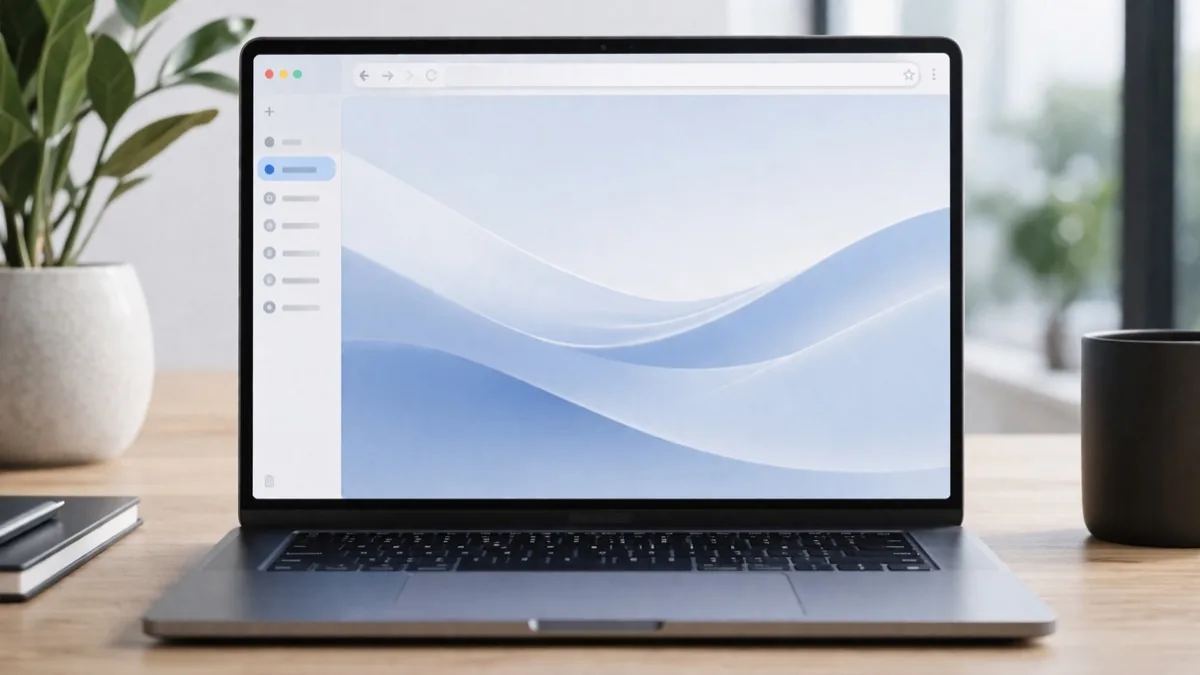
After years of requests, Google Chrome has finally added native vertical tabs — letting you move your browser tabs from the top bar to a sidebar on the left side of the screen. The feature arrives in Chrome 147, rolling out April 7, 2026 to all desktop users. It's a feature Microsoft Edge has had since 2021. Better late than never.
How to Enable Vertical Tabs in Chrome
It's simple:
- Right-click anywhere on the Chrome window (not on a tab, on the browser chrome itself)
- Select "Show Tabs Vertically"
- Your tab bar instantly moves to the left sidebar
The setting persists until you manually switch back. To collapse the sidebar to show only favicons, click the collapse arrow. To expand to full titles, click again.
What Vertical Tabs Actually Changes
The biggest practical benefit is tab titles. Horizontal tabs truncate badly once you have more than 10-12 tabs open — you end up with a row of identical favicon squares. Vertical tabs in Chrome show full page titles for every tab, making it dramatically easier to navigate if you're a heavy tab user.
- Full page titles visible for all open tabs
- Tab groups appear as collapsible sections in the sidebar
- Built-in tab search within the sidebar
- Sidebar can collapse to favicon-only mode
- Works with existing pinned tabs and tab groups
Chrome vs. Edge: Who Does It Better?
| Browser | Vertical Tabs Since | Notes |
|---|---|---|
| Microsoft Edge | March 2021 | Most mature, highly customizable |
| Vivaldi | Years ago | Most customizable of all |
| Safari | Recent macOS | Sidebar implementation |
| Firefox | Extensions only | No native support |
| Chrome 147 | April 2026 | Functional but basic vs. Edge |
Chrome's implementation covers the essentials well — tab search, groups, collapsible sidebar — but power users may find it less customizable than Edge or Vivaldi. There's no vertical width adjustment (it's a fixed size), no option to pin the sidebar, and no per-tab preview thumbnails that Edge offers.
Also New in Chrome 147: Fullscreen Reading Mode
The second major change in Chrome 147 is an upgraded Reading Mode. Previously, reading mode opened as a side panel. Now clicking "Open in reading mode" loads a full-page distraction-free view — stripping ads, sidebars, and clutter to show only the article text and images.
It's similar to Safari's Reader Mode or Firefox's Reader View, and particularly useful for long-form content and paywalled articles where the surrounding interface creates visual noise.
Other Chrome 147 Changes
- HTTPS Mandatory by Default — Chrome now attempts HTTPS first and prompts before loading non-HTTPS public sites (Enhanced Safe Browsing users)
- V8 JavaScript engine improvements — faster execution of React and Vue-based apps
- WebAssembly compilation 22% faster — benefits browser-based video editors and 3D tools
- CSS @scope rule — full implementation for scoped styling
Should You Switch to Vertical Tabs?
If you regularly have 15+ tabs open, yes — vertical tabs are objectively better for navigation. The full tab titles alone are worth it. For casual users with 5-6 tabs, horizontal tabs work fine and the sidebar takes up horizontal screen real estate.
The bigger question is whether Chrome's late arrival changes the competitive landscape. Edge's vertical tabs have been a genuine reason some power users chose it over Chrome. Now that Chrome has parity, that differentiator evaporates — and with AI increasingly integrated into browsers, the feature race is just getting started.