Best Mechanical Keyboard Under $100 for Gaming (2026 US Guide)
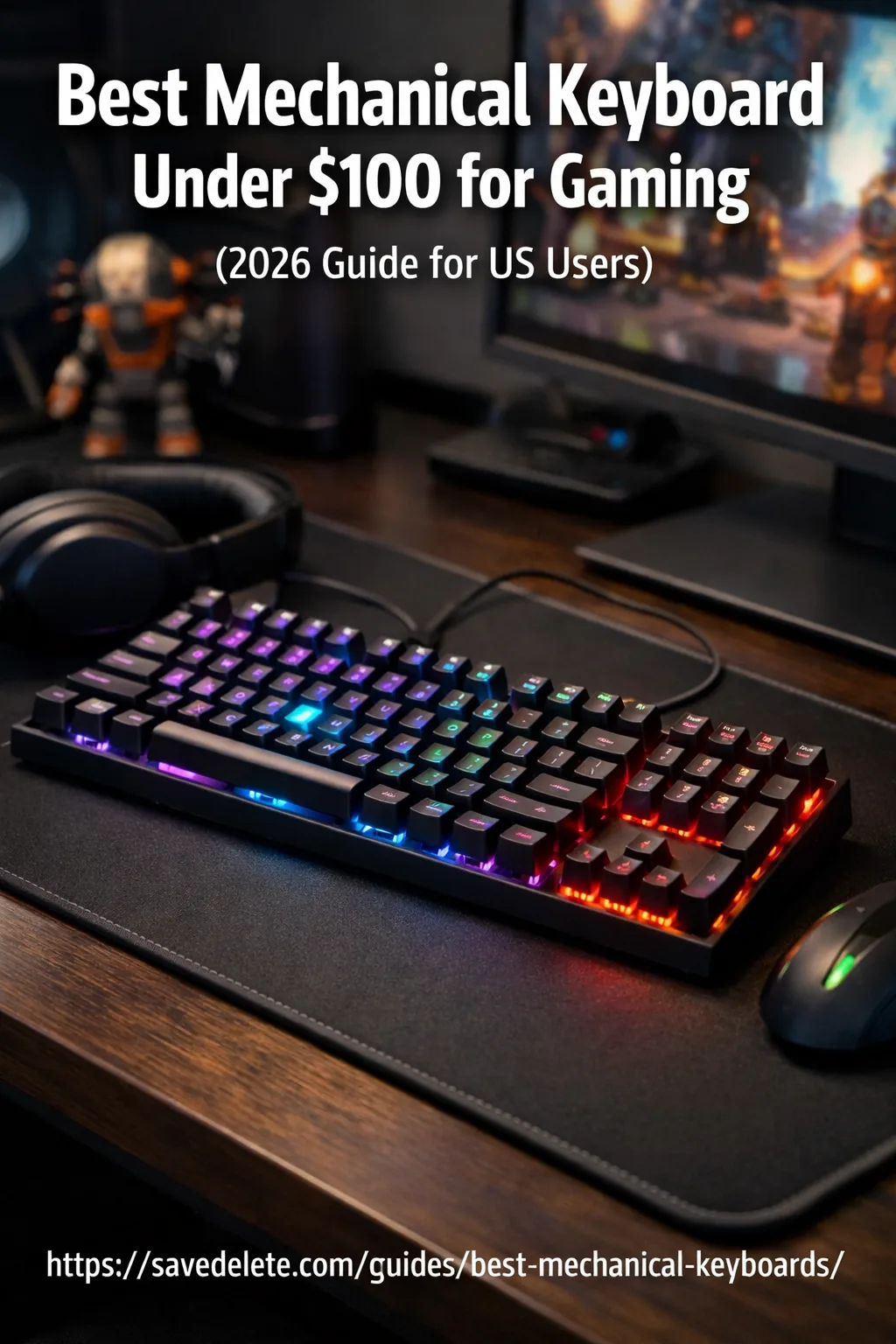
Best Mechanical Keyboard Under $100 for Gaming (2026 US Guide) | Savedelete
If you're looking for the best mechanical keyboard under $100 for gaming, you're in the right place. Gamers in the US are increasingly switching to mechanical keyboards because of their faster response time, durability, and better typing experience.
The best part? You don’t need to spend a fortune. There are many budget mechanical keyboards that deliver excellent gaming performance under $100.
You can also explore more expert recommendations in our gaming and mechanical keyboard guides.
Best Mechanical Keyboard Under $100 (Quick Answer)
The best mechanical keyboard under $100 for gaming includes options like Redragon K552, Keychron K2, and RK61. These keyboards offer fast response, durable switches, and excellent performance for gamers in the US.
What is a Mechanical Keyboard and How Does It Work?
A mechanical keyboard uses individual mechanical switches under each key instead of a rubber dome.
These switches provide:
- Faster response time
- Better tactile feedback
- Longer lifespan (50+ million keystrokes)
- Improved gaming accuracy
Unlike traditional keyboards, mechanical keyboards are built for precision and performance, making them ideal for gaming.
Why Choose the Best Mechanical Keyboard for Gaming?
Here’s why gamers prefer a mechanical keyboard:
- Faster actuation for competitive gaming
- Better accuracy in FPS and MOBA games
- Custom RGB lighting for aesthetics
- Durable build for long-term use
If you want a gaming keyboard under $100 that performs well, mechanical options are the best choice.
Quick Comparison Table
| Keyboard | Price | Type | Best For |
|---|---|---|---|
| Redragon K552 | $40 | Wired | Budget gaming |
| RK61 | $60 | Wireless | Compact setup |
| Keychron K2 | $89 | Wireless/Wired | Mac users |
| SteelSeries Apex 3 TKL | $50 | Hybrid | Quiet gaming |
Best Mechanical Keyboards Under $100 for Gaming
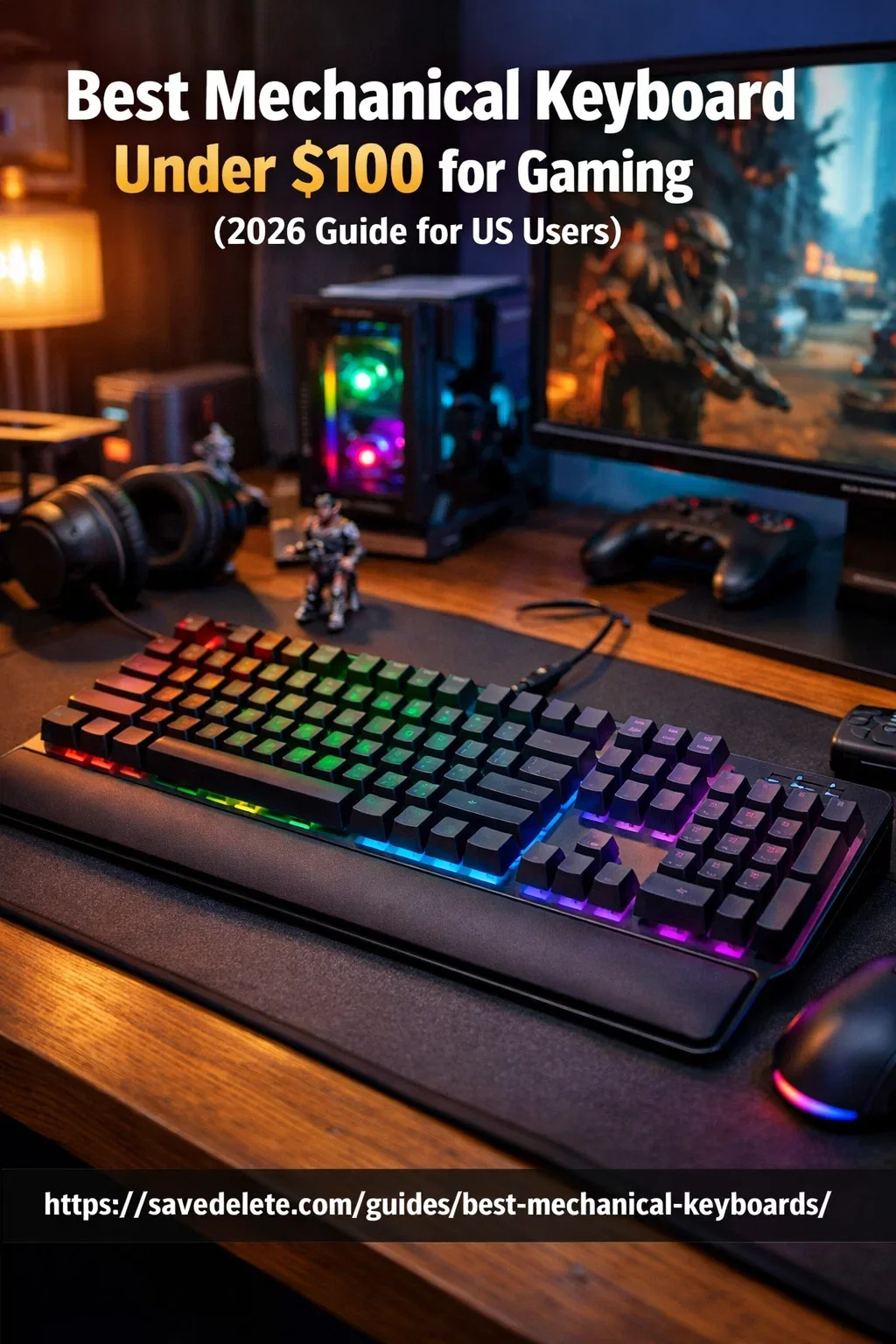
1. Redragon K552 Kumara
Best Budget Pick
- Price: ~$40
- Switches: Red/Blue
- Compact TKL design
- RGB lighting
A top choice for gamers looking for an affordable mechanical keyboard with solid performance.
Pros:
- Affordable price
- Durable metal build
- Great for beginners
Cons:
- No wireless option
- Slightly loud switches
2. SteelSeries Apex 3 TKL (Hybrid)
Best for Quiet Gaming
- Price: ~$50
- Water-resistant
- Quiet switches
- RGB lighting
Perfect for users who want a quieter typing experience with gaming performance.
Pros:
- Quiet typing experience
- Water-resistant design
- Good build quality
Cons:
- Not fully mechanical
- Limited customization
3. Keychron K2
Best for Mac & Wireless Users
- Price: ~$89
- Bluetooth + Wired
- Compatible with macOS & Windows
- Gateron switches
One of the most versatile mechanical keyboards for both work and gaming.
Pros:
- Wireless + wired support
- Mac & Windows compatible
- Premium build
Cons:
- Slightly expensive
- Thick design
4. RK ROYAL KLUDGE RK61
Best Wireless Gaming Keyboard
- Price: ~$60
- 60% compact layout
- Wireless + Bluetooth
- RGB backlit
A great option for gamers who want portability and a clean desk setup.
Pros:
- Compact and portable
- Wireless connectivity
- RGB lighting
Cons:
- No function row
- Smaller layout may not suit everyone
5. HyperX Alloy Core RGB
Best Entry-Level Option
- Price: ~$70
- Durable build
- Smooth keypress
- RGB lighting
A trusted brand offering a solid gaming keyboard under $100.
Pros:
- Trusted brand
- Good build quality
- Smooth typing
Cons:
- Membrane-based feel
- Limited features
Mechanical vs Membrane Keyboard for Gaming
- Mechanical keyboards → Faster, more accurate, better for gaming
- Membrane keyboards → Cheaper but slower and less durable
For serious gamers, a mechanical keyboard is always the better choice.
According to testing from sites like RTINGS, mechanical keyboards offer better durability and faster response for gaming.
How to Choose the Best Mechanical Keyboard Under $100
When buying a budget mechanical keyboard, consider:
Switch Type
- Red → Smooth & fast (best for gaming)
- Blue → Clicky (typing)
- Brown → Balanced
Size
- Full-size → More keys
- TKL → Compact
- 60% → Minimalist setup
Wired vs Wireless
- Wired → Low latency (best for gaming)
- Wireless → Clean setup
Build Quality
Look for:
- Aluminum frame
- Durable keycaps
- Anti-ghosting
FAQs
Q. Is a mechanical keyboard better for gaming?
A. Yes, a mechanical keyboard offers faster response time and better accuracy compared to traditional keyboards.
Q.Which switch is best for gaming?
A. Red switches are best for gaming because they are smooth and fast.
Are mechanical keyboards worth it under $100?
A. Yes, many affordable mechanical keyboards offer great performance and durability under $100.
Why Trust This Guide?
We analyzed popular mechanical keyboards, user reviews, and gaming performance factors to recommend the best options under $100 for US users.
Final Verdict
Finding the best mechanical keyboard under $100 for gaming in the US is easier than ever. Whether you want RGB lighting, wireless connectivity, or fast switches, there’s a perfect option available.
If you're just starting out, go with Redragon K552. If you want versatility, Keychron K2 is a great choice.