Apple Signs Nvidia and AMD eGPU Driver for Apple Silicon Macs — But Only for AI
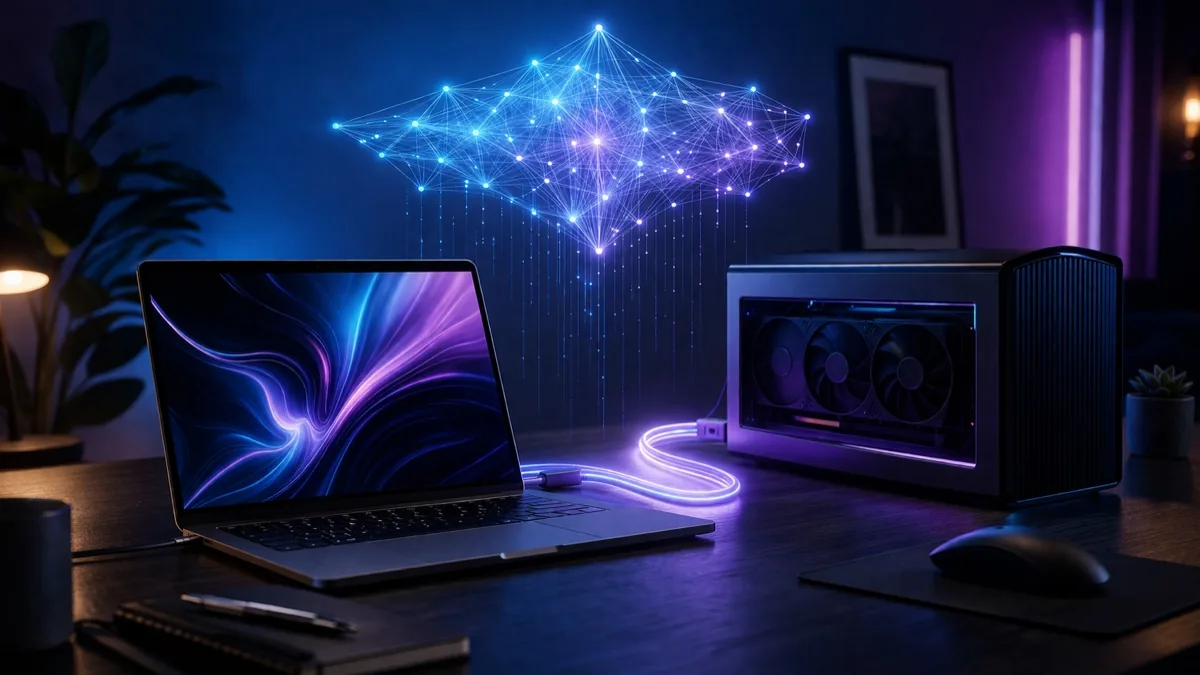
In a quiet but significant move, Apple has officially approved a third-party GPU driver that enables AMD and Nvidia external GPUs to work on Apple Silicon Macs. The driver, called TinyGPU, was developed by Tiny Corp (founded by George Hotz of iPhone jailbreaking fame) and is specifically designed for AI research and compute workloads — not graphics acceleration or gaming.
This is the first time Apple has officially signed a driver enabling Nvidia or AMD GPUs on Apple Silicon since the transition from Intel. For the AI research community, it’s a game-changer: Mac users can now harness the raw compute power of external GPUs for training and running AI models without disabling macOS security protections.
What the TinyGPU Driver Does
| Feature | Details |
|---|---|
| Supported GPUs | AMD RDNA3+ and Nvidia Ampere+ (RTX 30 series and newer) |
| Connection | Thunderbolt 3/4 or USB4 eGPU enclosure |
| macOS requirement | macOS 12.1 or later |
| Purpose | AI compute only — NOT graphics acceleration |
| SIP required? | No — driver is Apple-signed, SIP stays enabled |
| Video output | Not supported — compute only, no display acceleration |
Why This Matters for AI Research
Apple Silicon Macs have excellent unified memory and power efficiency, but their GPU compute capabilities lag behind dedicated Nvidia or AMD cards for AI workloads. The TinyGPU driver bridges this gap:
- Run larger AI models by offloading compute to powerful external GPUs
- Train models faster using Nvidia CUDA-capable or AMD ROCm-capable hardware
- Keep macOS security intact — no need to disable System Integrity Protection (SIP)
- Use existing eGPU enclosures — any Thunderbolt/USB4 enclosure with sufficient power delivery
Tiny Corp, led by George Hotz (who famously jailbroke the first iPhone and hacked the PlayStation 3), has been working on the tinygrad deep learning framework — a lightweight alternative to PyTorch and TensorFlow. The eGPU driver is a natural extension of that work, enabling tinygrad users to leverage external GPU hardware on Macs.
What It Doesn’t Do
To be clear: this is not a gaming solution. The driver provides zero graphics acceleration:
- No video output to external monitors through the eGPU
- No macOS graphics acceleration (Metal, OpenGL, etc.)
- No gaming performance improvements
- Compute-only — designed for AI/ML workloads via tinygrad
If you’re hoping to plug in an RTX 4090 and play games on your MacBook, this isn’t it. But if you’re an AI researcher who loves macOS but needs more GPU compute, this is exactly what you’ve been waiting for.
The Bigger Picture: Apple and AI
Apple’s decision to sign this driver is notable because the company has historically been hostile toward third-party GPU support. When Apple transitioned to Apple Silicon in 2020, eGPU support was dropped entirely. Nvidia drivers haven’t been available on macOS since 2019.
By signing TinyGPU, Apple is acknowledging that its own GPU hardware isn’t sufficient for serious AI compute workloads — at least not yet. It’s a pragmatic move that keeps AI researchers on macOS rather than forcing them to switch to Linux or Windows for GPU-heavy work.
Whether this leads to broader GPU support on macOS remains to be seen. But for now, it’s a crack in Apple’s walled garden that the AI community will happily exploit.
Frequently Asked Questions
Can I use an Nvidia GPU on a Mac now?
Yes, but only for AI compute workloads. Apple has approved Tiny Corp’s TinyGPU driver for AMD RDNA3+ and Nvidia Ampere+ GPUs via Thunderbolt/USB4 eGPU enclosures. The driver is compute-only — no graphics acceleration, no gaming, no video output.
Do I need to disable SIP to use eGPUs on Apple Silicon?
No. Because Apple has officially signed the TinyGPU driver, it works without disabling System Integrity Protection. This is a major improvement over previous unofficial solutions that required SIP to be disabled.