15 Must-Have Free Software Programs for Windows in 2026
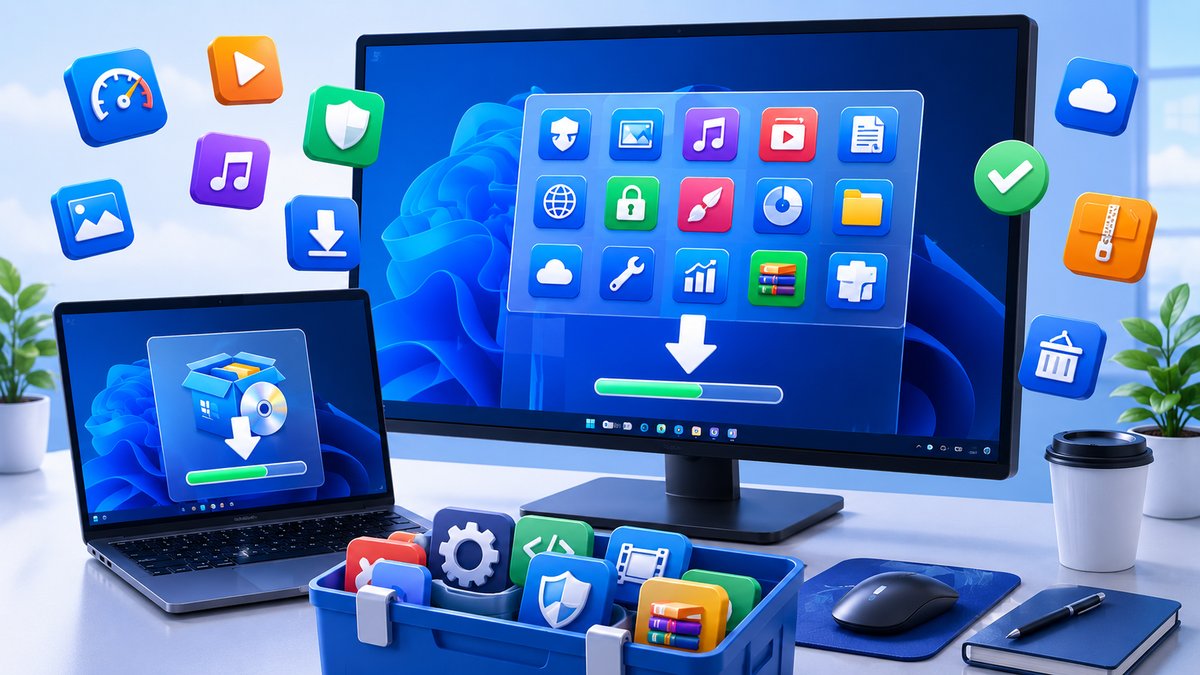
Just set up a new Windows PC? Before you do anything else, it's worth installing a handful of free programs that cover the essentials — image editing, media playback, file compression, backups, screenshots and security. The best part is that none of them cost a penny.
We've tested every app on this list personally and only included tools that are still actively maintained in 2026, genuinely free, and safe to download from their official websites. Here is SaveDelete's updated compilation of 15 must-have free software programs for Windows.
1. GIMP — Free Photo & Image Editor
GIMP is the most powerful free alternative to Adobe Photoshop. It handles layers, masks, retouching, color correction and even basic design work — a gem for anyone who doesn't want to pay for a Creative Cloud subscription.
2. VLC Media Player — Plays Absolutely Everything
VLC plays virtually any audio or video file you throw at it — no codec packs required. It handles DVDs, network streams, subtitles and 4K video, and it's completely free and ad-free.
3. 7-Zip — File Archiver & Compression
7-Zip is a fast, open-source utility for zipping and unzipping files. It supports its own high-ratio 7z format plus ZIP, RAR, TAR and more, and integrates neatly into the right-click menu.
4. Mozilla Firefox — Fast, Private Web Browser
Firefox is a fast, open-source browser with strong privacy protections, a huge library of add-ons and excellent tab management. Alternatives: Google Chrome or the privacy-focused Brave browser.
5. LibreOffice — Free Office Suite
LibreOffice is the leading free alternative to Microsoft Office. It includes a word processor, spreadsheet, presentation tool and more, and opens and saves Microsoft formats with ease.
6. Notepad++ — Lightweight Code & Text Editor
Notepad++ is a free source-code editor and a vastly better replacement for the default Notepad. It supports dozens of programming languages, syntax highlighting and tabbed editing.
7. Microsoft PowerToys — Official Windows Power Tools
PowerToys is a free Microsoft toolkit that adds genuinely useful features to Windows 11 — FancyZones window snapping, a quick file renamer, a color picker, an always-on-top toggle and more.
8. ShareX — Advanced Screenshots & Screen Recording
ShareX is a free, open-source capture tool that goes far beyond the built-in Snipping Tool. Capture any region, record your screen to GIF or video, annotate and auto-upload — all with custom hotkeys.
9. OBS Studio — Screen Recording & Live Streaming
OBS Studio is the go-to free app for recording high-quality screen captures and streaming to YouTube or Twitch. It's powerful enough for professionals yet free for everyone.
10. Audacity — Multi-Track Audio Editor
Audacity is a free audio recorder and editor that's perfect for podcasts, voiceovers and music. Record, cut, mix and apply effects across multiple tracks without spending a cent.
11. qBittorrent — Clean, Ad-Free Torrent Client
qBittorrent is a lightweight, open-source torrent client with no ads and no bundled junk — a clean replacement for older clients. Always use it only for legal downloads.
12. Everything — Instant File Search
Everything by voidtools indexes your entire drive in seconds and finds any file the instant you start typing. Once you've used it, the built-in Windows search feels painfully slow.
13. Mozilla Thunderbird — Desktop Email Client
Thunderbird is a free, customizable email client that brings all your accounts into one place, with built-in calendar, message filtering and strong spam protection.
14. Bitdefender Antivirus Free — Lightweight Security
Windows 11 already includes the excellent built-in Microsoft Defender, but if you want a second opinion, Bitdefender Antivirus Free offers light, reliable real-time protection without slowing your PC down. (Note: Microsoft Security Essentials, the old free antivirus, is discontinued — Defender replaces it.)
15. Bitwarden — Free Password Manager
Bitwarden is a free, open-source password manager that securely stores all your logins and syncs them across your devices. In an age of constant data breaches, it's one of the most important free tools you can install.
Install these and your new Windows PC is ready for almost anything — from editing photos and audio to browsing safely, managing passwords and keeping your files organized. Every one of them is free, trusted and download-ready from the official links above.