10 Best Free Android Apps for Phone Calls and Messaging in 2026
Your Android phone already comes with a dialer and a messaging app, but 2026 has reshaped what calling and texting even means - encrypted RCS now works between Android and iPhone, AI screens your spam calls, and free apps handle everything from voice-clone scam detection to phone-number-free chat. This guide rounds up the 10 best free apps for placing calls, blocking spam, and messaging in 2026, split across dialers and caller ID, SMS/RCS texting, and full chat-and-calling platforms. Every app here is confirmed active and updated in 2026, and the core experience on each one is genuinely free.
Key takeaways:
- Google Messages and Google Phone are the strong, free Android defaults in 2026, now with cross-platform encrypted RCS and AI spam screening built in.
- RCS is the modern replacement for SMS and finally encrypts texts between Android and iPhone, but it lives almost entirely inside Google Messages.
- Signal is the top pick for privacy - encrypted by default, no ads, nonprofit-run - while WhatsApp wins on ubiquity and Telegram on features and big groups.
- For caller ID and spam blocking, Google Phone keeps your data in-house while Truecaller offers the broadest identification database and AI scam detection.
- Google Voice still gives you a free U.S. number for personal use, and Microsoft Phone Link lets you handle Android calls and texts from a Windows PC for free.
The 10 Best Free Android Calling and Messaging Apps at a Glance
- Google Messages — SMS/RCS messaging · free · best for default texting with cross-platform RCS
- Google Phone (Dialer) — dialer/caller-ID · free · best for built-in spam screening on Android
- Truecaller — caller-ID · freemium · best for identifying unknown callers and AI scam defense
- Drupe — dialer/caller-ID · freemium · best for a customizable contact-first dialer
- Textra SMS — SMS messaging · free · best for a fast, deeply customizable SMS app
- Signal — messaging/calls · free · best for maximum privacy and encryption
- WhatsApp — messaging/calls · free · best for ubiquity and family/overseas chat
- Telegram — messaging/calls · free · best for big groups, channels, and file sharing
- Google Voice — calls · free · best for a free second phone number
- Viber — messaging/calls · freemium · best for free international Viber-to-Viber calls
The Picks, Reviewed
1. Google Messages
SMS/RCS messaging · free · best for default texting with cross-platform RCS
Google Messages is the default texting app on most Android phones and the flagship client for RCS, the modern successor to SMS that adds read receipts, typing indicators, high-res media, and reactions. In 2026 its standout feature finally arrived: end-to-end encrypted RCS now works between Android and iPhone (iOS 26.5+), built on the MLS open standard, so cross-platform texts show a lock icon by default. It's best for anyone who just wants their normal text thread to be richer and more secure without installing anything. Google is also rolling Gemini-based scam detection into Messages to flag suspicious texts by content, not just sender.
2. Google Phone (Dialer)
dialer/caller-ID · free · best for built-in spam screening on Android
Google Phone is the stock dialer on Pixel and many Android devices, pairing a clean call interface with caller ID and spam protection backed by Google's constantly updated database of known bad numbers. Its headline feature, Call Screen, has Google Assistant answer unknown calls for you, ask who's calling and why, and give you a live transcript so you can decide whether to pick up - all without the caller knowing. In 2026 it added fake-call detection that warns you when a caller hides their identity or impersonates a saved contact. It's the best free option for people who want strong spam defense with zero third-party apps and no data shared with outside companies.
3. Truecaller
caller-ID · freemium · best for identifying unknown callers and AI scam defense
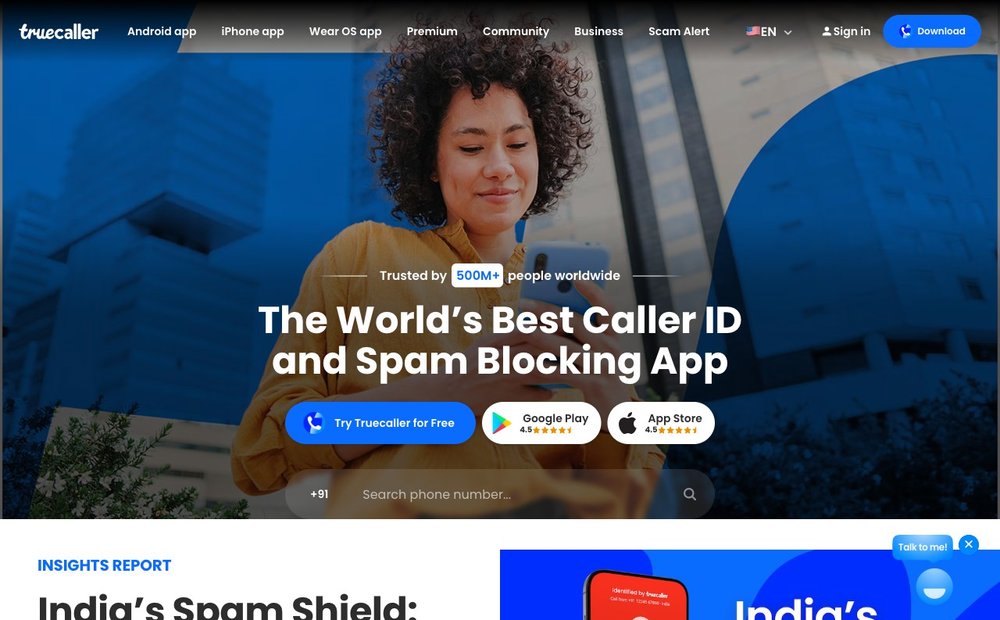
Truecaller is the most widely used third-party caller ID and spam blocker, drawing on a massive crowdsourced database to put a name and photo on unknown numbers as your phone rings and flag fraud in real time. In 2026 it leans hard into AI: an in-dialer AI Call Scanner analyzes a caller's voice over a secure line to detect AI-synthesized voice-clone scams, and the Truecaller Assistant answers calls and transcribes them. It's best for anyone who gets a lot of calls from numbers not in their contacts and wants the broadest identification coverage, especially in regions where Google's spam data is thin. The core app is free with ads; a paid Premium tier removes ads and adds extras like Family protection.
4. Drupe
dialer/caller-ID · freemium · best for a customizable contact-first dialer
Drupe replaces your dialer with a contact-centric launcher where you swipe a person toward an action - call, WhatsApp, Telegram, SMS, email - so reaching someone takes one gesture instead of app-hopping. It bundles a T9 dialer with dual-SIM support, built-in caller ID, a spam call blocker, call recording, and contact-based reminders, with a unified log of calls, texts, and chats. It's best for people who message the same contacts across many apps and want a single hub instead of a plain phone keypad. Confirmed actively updated in 2026, Drupe is free to use with optional in-app purchases unlocking pro features like themes and the caller-ID locator.
5. Textra SMS
SMS messaging · free · best for a fast, deeply customizable SMS app
Textra is a long-running favorite for people who want their texting app to look and behave exactly how they like, with hundreds of theme colors, per-contact notification settings, message scheduling, quick replies, and SMS blocking. It's lightweight, fast, and all features are free forever with no subscription. The 2026 caveat to know: Textra still does not support RCS, because Google currently restricts the RCS APIs to its own first-party apps, so Textra remains an SMS/MMS client - the developers say they'll add RCS if Google opens those interfaces. It's best for users who prioritize customization and speed over RCS, or who are sticking with classic SMS.
6. Signal
messaging/calls · free · best for maximum privacy and encryption
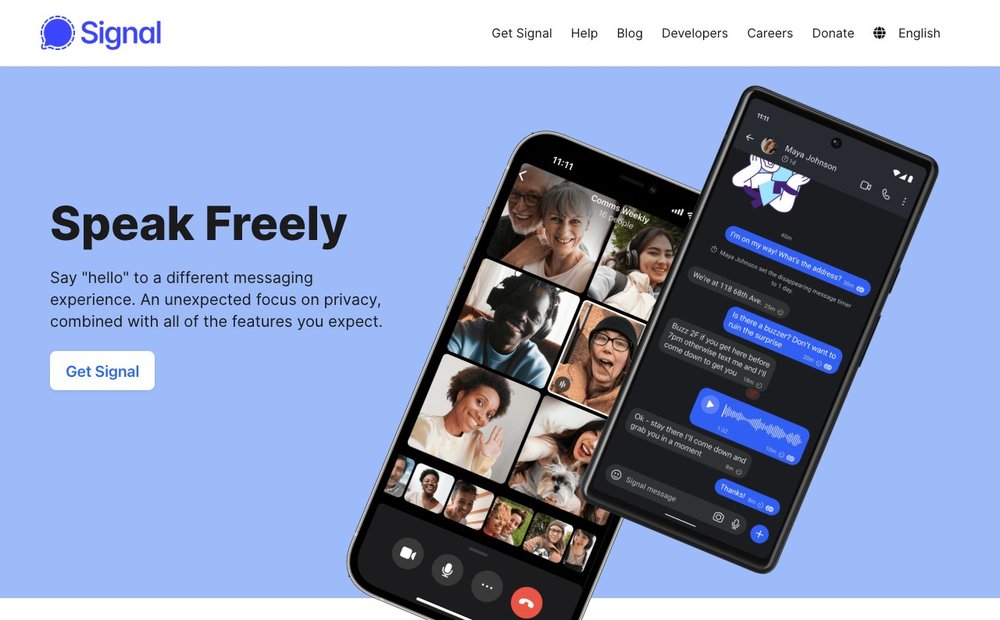
Signal is the gold standard for private messaging: every chat, voice call, and video call is end-to-end encrypted by default using the open-source Signal Protocol, it's nonprofit-run, and it collects virtually no metadata about who you talk to. Usernames let you connect without ever sharing your phone number, protected by zero-knowledge cryptography, and Signal has added post-quantum (quantum-resistant) protections to its protocol. In 2026 it's rolling out pinned messages, a redesigned Android call interface, and cross-platform secure backups that move your chat history between Android and iOS. It's the best free choice for anyone who wants ironclad privacy with no ads and no data harvesting - the trade-off is that everyone you message also needs Signal.
7. WhatsApp
messaging/calls · free · best for ubiquity and family/overseas chat
WhatsApp is the most popular messaging app on earth with around 2.5 billion users, offering end-to-end encrypted texts, voice and video calls (also built on the Signal Protocol), disappearing messages, and large group chats. In 2026 it began rolling out usernames, letting you connect with an @handle instead of handing out your phone number, and it now encrypts cloud backups on both Google Drive and iCloud. It's best when you want the one app virtually everyone already has - ideal for keeping in touch with family abroad and groups. The privacy caveat: it's owned by Meta, and while message content is encrypted, metadata about who you talk to feeds Meta's advertising ecosystem.
8. Telegram
messaging/calls · free · best for big groups, channels, and file sharing
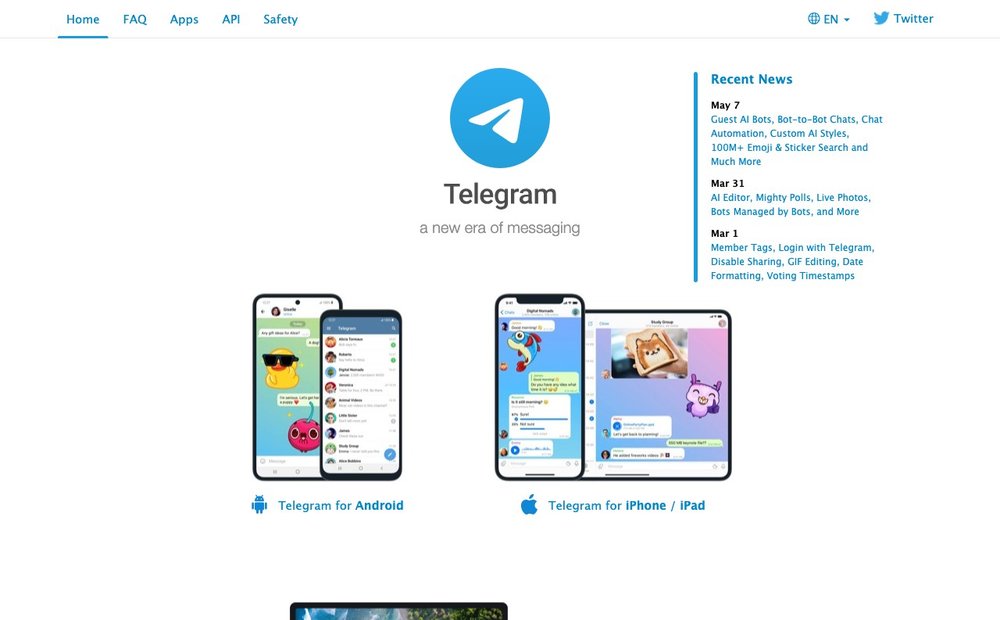
Telegram is the most feature-packed free messenger, with cloud-synced chats across unlimited devices, 2 GB file transfers on the free tier, public channels, bots, and groups up to 200,000 members. Usernames have long been its hallmark, so you can chat without sharing your number, and everything stays backed up in the cloud automatically. It's best for power users, community builders, and anyone who shares large files or runs broadcast channels. The privacy caveat worth flagging: regular Telegram chats are not end-to-end encrypted by default (only opt-in Secret Chats are), and its in-house MTProto encryption has drawn criticism from cryptographers - so it's a versatility champion, not a privacy champion.
9. Google Voice
calls · free · best for a free second phone number
Google Voice gives you a free U.S. phone number you can use for calling, texting, and voicemail across your phone, computer, and tablet, with free calls within the U.S. and Canada and voicemail transcription. It's perfect for keeping your real number private, separating work and personal lines, or having a number that isn't tied to one device or carrier. Confirmed still available in 2026: the free personal tier remains active for individual users with a personal Google account, with no announced shutdown. Note that business use now requires a paid plan (from around $10/month) due to carrier messaging-registration rules, but personal use stays free.
10. Viber
messaging/calls · freemium · best for free international Viber-to-Viber calls
Rakuten Viber offers free, unlimited voice and video calls and messaging between Viber users worldwide, with group video calls of up to 60 people and end-to-end encryption on by default for one-on-one and group chats and calls. It adds disappearing messages, Communities and Channels for interest groups, and AI bots for things like news and bookings. It's best for staying in touch internationally where Viber is popular, and its optional Viber Out service lets you call any landline or mobile at low rates for a fee. The core app and Viber-to-Viber communication are completely free.
How to Choose the Right Calling and Messaging App in 2026
Start with what your phone already gives you. On most Android devices, Google Phone and Google Messages are the default dialer and texting app, and in 2026 they're good enough that many people never need a replacement - Google Phone screens spam calls with AI, and Google Messages handles modern RCS chat. You'd swap in a third-party app like Truecaller, Drupe, or Textra only for a specific advantage: broader caller ID, a more customizable dialer, or deeper SMS theming.
Understand the RCS-vs-SMS shift, because it's the biggest 2026 change. Plain SMS is the old green-bubble text - no encryption, low-res media. RCS is the modern upgrade that adds read receipts, typing indicators, full-quality photos, and - new in 2026 - end-to-end encryption that now works between Android and iPhone. The catch is that RCS currently lives almost entirely in Google Messages, since Google hasn't opened the RCS APIs to other apps, which is why a beloved app like Textra is still SMS-only.
Decide how much privacy matters and weigh it against the ads-and-data tradeoff. If you want the strongest guarantee that nobody - not even the app maker - can read your messages, Signal is the clear pick: encrypted by default, no ads, nonprofit-run, and almost no metadata collected. WhatsApp also encrypts message content but is owned by Meta and uses metadata for advertising; Telegram's default chats aren't end-to-end encrypted at all. For spam and caller ID, Truecaller casts the widest net at the cost of showing ads in the free tier, while Google Phone keeps spam protection in-house with no third-party data sharing.
Finally, match the app to your calling needs. For free cross-platform calling, WhatsApp, Signal, Telegram, and Viber all let you call other users for free over data or Wi-Fi - the difference is which app your contacts already use. If you need a free real phone number that can call regular landlines and mobiles in the U.S. and Canada, Google Voice is the standout, and Microsoft Phone Link is the answer if you'd rather take ordinary calls and texts from your Windows PC.
Sources & Further Reading
- Google's guide to stopping spam calls on Android
- Google's announcement of end-to-end encrypted RCS between Android and iPhone
- Signal Support: phone-number privacy and usernames
Frequently Asked Questions
Do I need to install a messaging app, or is the default one fine?
For most people the built-in Google Messages and Google Phone apps are all you need in 2026. Google Messages now supports RCS with end-to-end encryption that even works with iPhones, and Google Phone screens spam calls with AI. You'd only add a third-party app for a specific feature like broader caller ID (Truecaller), heavy SMS customization (Textra), or a private network of contacts (Signal).
What's the difference between SMS and RCS?
SMS is the original text-message standard - it works everywhere but has no encryption and sends low-quality media. RCS is the modern upgrade that adds read receipts, typing indicators, full-resolution photos, and, as of 2026, end-to-end encryption that works between Android and iPhone. RCS runs primarily through Google Messages on Android, and it falls back to SMS automatically when the other person can't use RCS.
Which free messaging app is the most private?
Signal is widely considered the most private mainstream app. Every message and call is end-to-end encrypted by default, it's open-source and nonprofit-run, it collects almost no metadata, and usernames let you chat without sharing your phone number. WhatsApp also encrypts message content but is owned by Meta and uses metadata for ads, while Telegram's default chats aren't end-to-end encrypted at all.
Is Google Voice still free in 2026?
Yes. The free personal tier of Google Voice is still available in 2026 for individuals with a personal Google account, giving you a free U.S. number for calling, texting, and voicemail, plus free calls within the U.S. and Canada. There's been no announcement of it shutting down. Business use, however, now requires a paid plan starting at about $10/month due to carrier messaging rules.
What's the best free app to block spam and identify unknown callers?
If you have a Pixel or most Android phones, Google Phone's built-in caller ID, spam filtering, and Call Screen are excellent and share no data with third parties. For the widest identification coverage - especially numbers Google doesn't know - Truecaller's crowdsourced database is the leading free third-party option, and in 2026 it even detects AI voice-clone scams. Both have genuinely useful free tiers.
Can I get iMessage or take phone calls on my computer with these apps?
For native iMessage on Android, there's no reliable free workaround in 2026 - apps like Beeper require a Mac to bridge it. But you can absolutely use your phone from a computer: Microsoft Phone Link mirrors your Android calls, texts, photos, and notifications onto a Windows PC for free, and Signal, WhatsApp, Telegram, and Google Voice all have desktop apps that sync your chats and let you call from your computer.
Information is based on public sources and vendor pages current as of June 2026. Details, prices and plans change frequently — verify on the official site before relying on them.