How to remotely access any PC using your phone
By Jaspal Singh
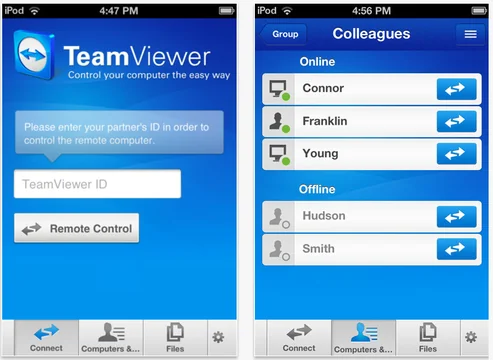
To control your PC via your mobile phone is an easy task now, i always thought, how can i use my PC with my phone on the move, while traveling.
With all the important documents on it, now i can use them anywhere i want. You will just need one software which will do it for you. And that software is our very own Teamviewer.
TeamViever for Remote Control
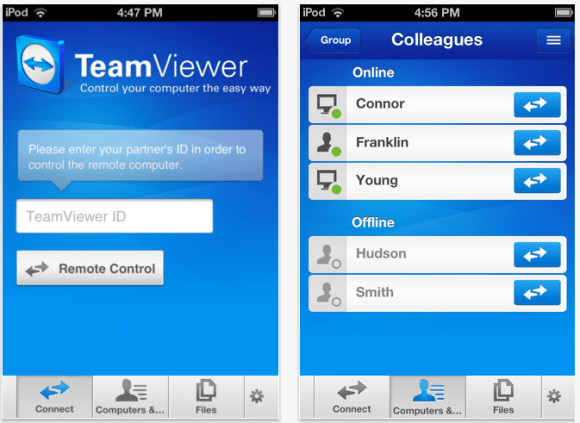
The team viewer for Remote Control app lets you use all its useful tools on your phone. You can access all connected computers, run security scans, remove reboot PC's when on the move.
 Min requirements : iPhone, iPad Touch, iPad, iOS 3.0+, Android
File size : 4.1MB
Update : Android app link : Download ( thanks for the tip: by techandlife )
Min requirements : iPhone, iPad Touch, iPad, iOS 3.0+, Android
File size : 4.1MB
Update : Android app link : Download ( thanks for the tip: by techandlife )
Min requirements : iPhone, iPad Touch, iPad, iOS 3.0+, Android
File size : 4.1MB
Update : Android app link : Download ( thanks for the tip: by techandlife )