Best WordPress Plugins for Backup and Optimization (2026)
WordPress powers a huge share of the web, but a great site needs more than a good theme. Two things protect your hard work and keep visitors happy: reliable backups so you never lose your content, and performance optimization so your pages load fast. The best part? You can do both with a handful of plugins, many of them free.
Below are the best WordPress plugins for backup and optimization in 2026 — the tools we’d install on any serious site. We’ve split them into dedicated backup plugins, performance and caching plugins, and a bonus image optimizer, with honest notes on who each one is for.
Best WordPress Backup Plugins
A backup plugin is non-negotiable insurance. If a bad update, hack or host failure takes your site down, a recent off-site backup gets you back online in minutes. For a step-by-step walkthrough, see our guide on how to back up and move a WordPress website.
1. UpdraftPlus — Best free backup plugin
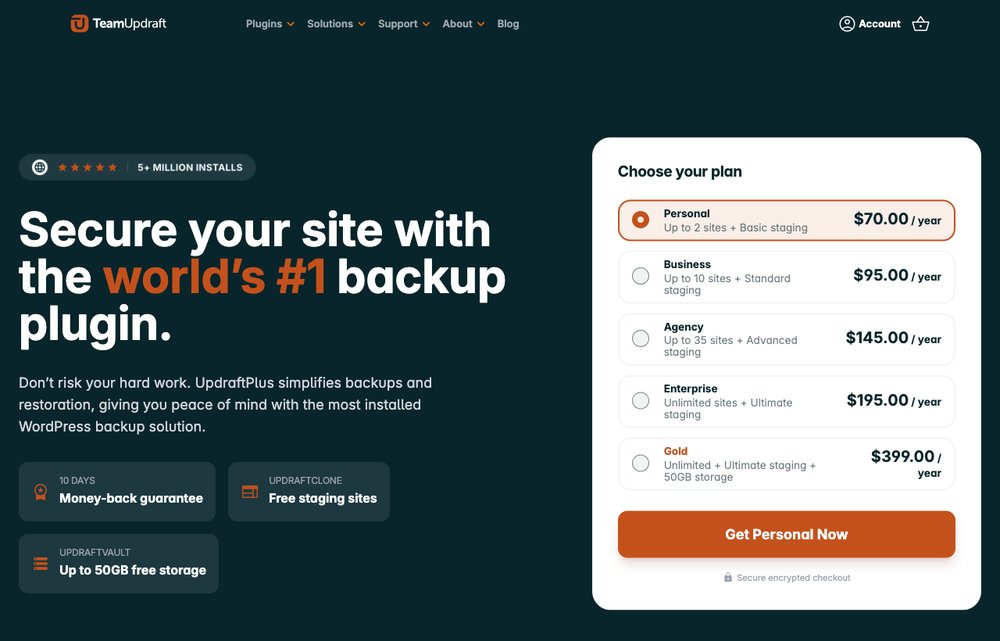
The world’s most popular WordPress backup plugin, with over 5 million active installs. UpdraftPlus backs up your files and database on a schedule and sends them straight to remote storage — Google Drive, Dropbox, Amazon S3, OneDrive and more — then restores everything in a click. The free version covers most sites, while UpdraftPlus Premium adds incremental backups, automatic pre-update backups and one-click site migration.
2. Jetpack VaultPress Backup — Best for real-time/store backups

Built by Automattic, the company behind WordPress.com, Jetpack VaultPress Backup creates real-time, off-site backups — every change, order and comment is saved as it happens. Because the copies live on Jetpack’s cloud, you can restore your entire site from your phone even if it’s completely down. It’s the modern successor to the original VaultPress and a perfect fit for WooCommerce stores that can’t afford to lose a single order.
3. Duplicator — Best for backups + migration
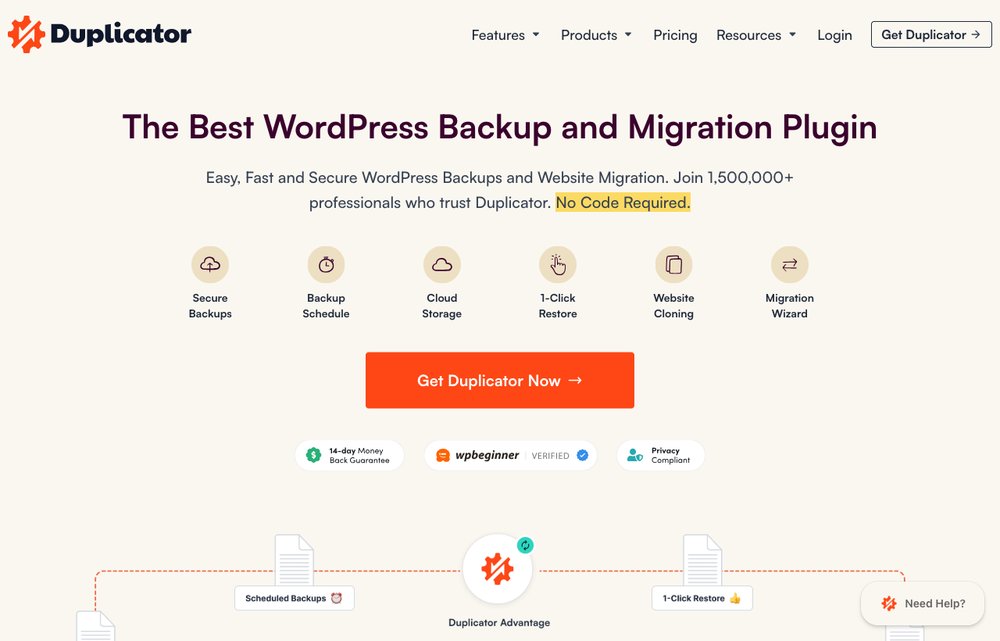
Duplicator is the go-to plugin for backing up and moving WordPress sites. It bundles your entire site into a single portable package, making it ideal for migrations, server moves or cloning a site to a staging area. The Pro version adds scheduled backups, cloud storage and a drag-and-drop recovery wizard, so it doubles as a genuinely capable backup tool.
4. BlogVault — Best managed backup service

BlogVault is a premium, fully managed backup service that stores your backups on its own secure servers, independent of your host. It offers real-time incremental backups, one-click restores, free staging sites and built-in migration. Because everything runs on BlogVault’s infrastructure, backups never slow your site down — which is why it’s a favourite with agencies and larger, high-traffic sites.
Best WordPress Optimization & Performance Plugins
Speed is a ranking factor and a conversion factor. These caching and optimization plugins reduce load times and help you pass Google’s Core Web Vitals. Pick one caching plugin (see the note below) and pair it with a database and image optimizer.
5. WP Rocket — Easiest premium speed plugin

If you want the simplest path to a faster site, WP Rocket is the premium caching plugin to beat. It switches on page caching, GZIP compression, lazy loading and cache preloading the moment you activate it — no complex configuration. Built-in options handle CSS/JavaScript minification, database cleanup and CDN integration, making it the most beginner-friendly way to pass Core Web Vitals.
6. W3 Total Cache — Most complete free cache
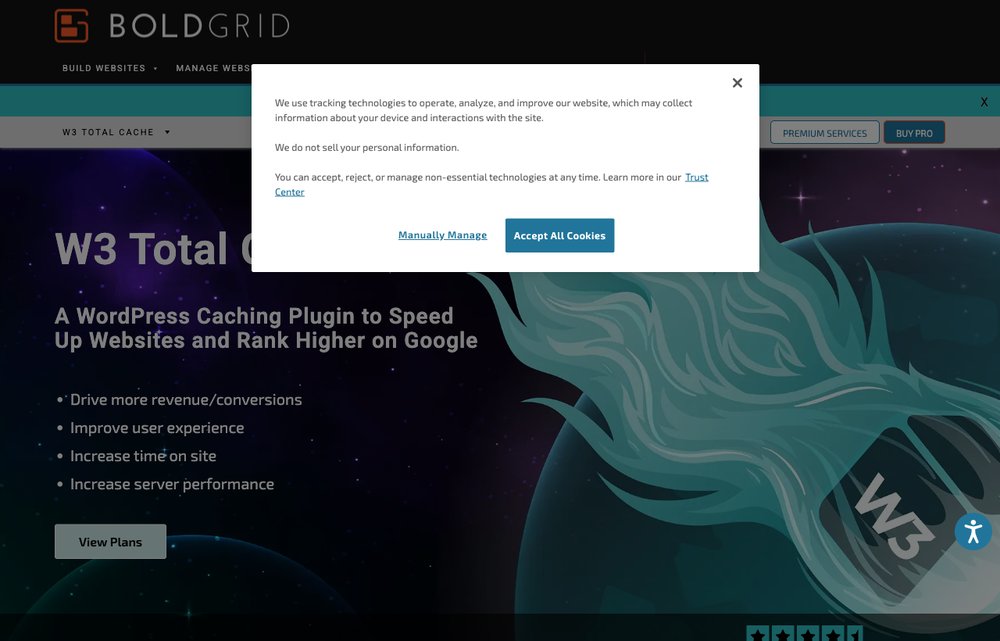
A long-standing free favourite (now maintained by BoldGrid), W3 Total Cache is one of the most complete performance plugins available. It caches every layer of your site — pages, objects, the database and the browser — and integrates transparently with a CDN. It’s highly configurable, rewarding users who want fine-grained control over exactly how their site is optimized.
7. WP Super Cache — Simplest free static caching
Made by Automattic, WP Super Cache is a free, lightweight caching plugin that generates static HTML files served directly by your web server, bypassing heavy PHP processing. Its “Easy” mode makes it one of the simplest caching plugins to switch on, which is why it powers millions of sites that just need a reliable speed boost without the tinkering.
8. LiteSpeed Cache — Best free all-in-one accelerator
LiteSpeed Cache is a free, all-in-one acceleration plugin that bundles server-level caching, image optimization, CSS/JS minification and lazy loading into a single tool. It’s astonishingly powerful on LiteSpeed-based hosting, where it taps into server-level caching, but its image optimization and CDN features benefit sites on any server.
9. WP-Optimize — Best for database cleanup
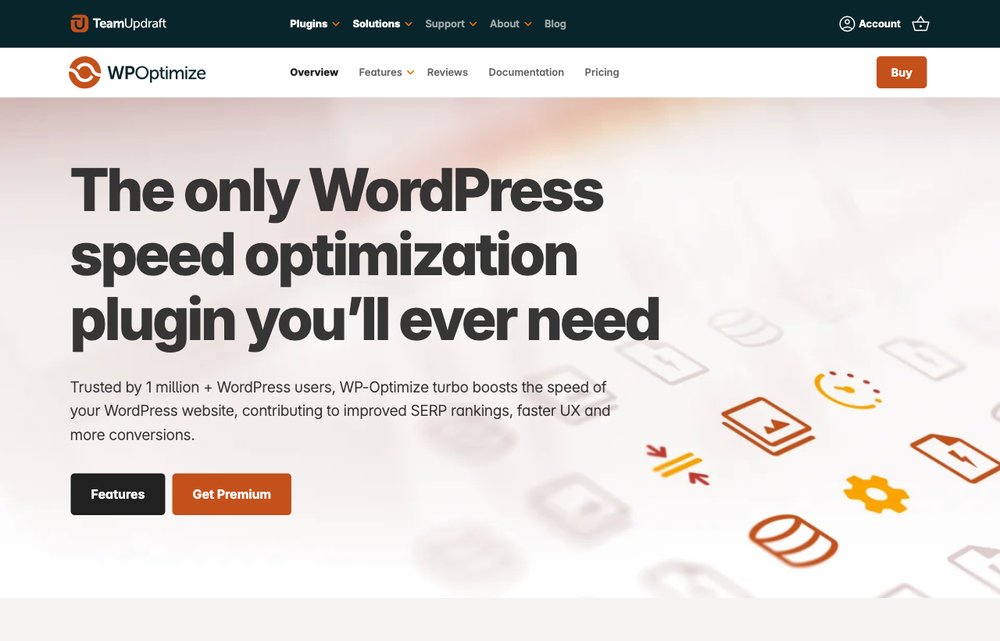
From the makers of UpdraftPlus, WP-Optimize is a three-in-one tool that cleans your database, caches your pages and compresses your images. Over time WordPress databases bloat with post revisions, spam and transients; WP-Optimize clears that junk on a schedule to keep your site lean. It’s an excellent free companion to a dedicated caching plugin — or a capable cache in its own right.
Bonus: Image Optimization
Unoptimized images are the number-one cause of slow WordPress pages. This plugin fixes that automatically.
10. Smush — Best for image optimization
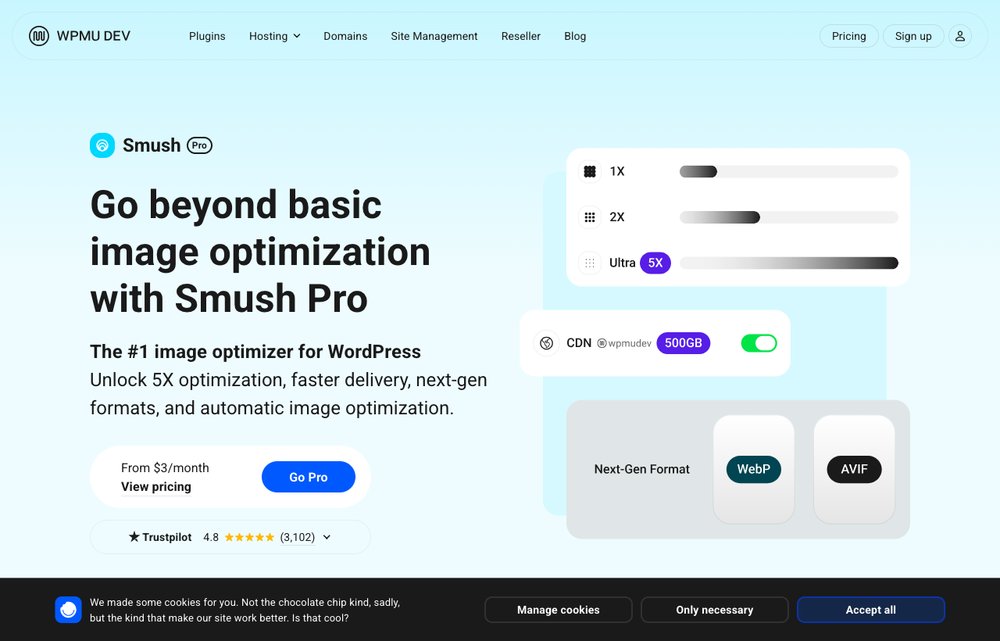
Images are usually the heaviest thing on a page, and Smush (by WPMU DEV) fixes that. It compresses and resizes your images automatically — including bulk-smushing your entire existing library — and adds lazy loading plus next-gen WebP conversion. It’s the easiest way to shave megabytes off your pages with no visible loss in quality.
How to Choose the Right Plugins
A solid setup needs just two essentials: one backup plugin and one caching plugin. For backups, UpdraftPlus is the best free starting point, while Jetpack VaultPress Backup or BlogVault are worth paying for if you run a store or can’t risk losing recent data. For speed, choose a single caching plugin — WP Rocket for the easiest premium experience, or LiteSpeed Cache and W3 Total Cache for powerful free options — then add WP-Optimize for database cleanup and Smush for images.
One important rule: never run two caching plugins at the same time. They conflict and can slow down or break your site. Choose one, configure it well, and let complementary tools like WP-Optimize and Smush handle the rest. A faster, well-optimized site also helps your SEO — see our tips on how to improve your search rankings.
Frequently Asked Questions
What is the best WordPress backup plugin?
UpdraftPlus is the best all-round choice — it’s free, trusted on over 5 million sites, and backs up to the cloud automatically. For real-time backups (essential for online stores), Jetpack VaultPress Backup or BlogVault are the top picks. You can also read our wider roundup of the best backup software.
What is the best WordPress optimization plugin?
For ease of use, WP Rocket is the best premium caching plugin — it speeds up your site the moment you activate it. If you prefer a free option, LiteSpeed Cache and W3 Total Cache are both excellent and feature-packed.
Can I use more than one caching plugin at once?
No. Running two caching plugins causes conflicts that can break your site or actually make it slower. Use a single caching plugin, then pair it with non-conflicting tools like WP-Optimize (database cleanup) and Smush (image compression).
Are free WordPress backup and optimization plugins good enough?
For most sites, yes. UpdraftPlus, W3 Total Cache, WP Super Cache, LiteSpeed Cache and WP-Optimize are all free and genuinely excellent. Premium tiers mainly add convenience — incremental or real-time backups, one-click optimization and priority support.
How often should I back up my WordPress site?
Match the schedule to how often you publish. A daily backup suits most blogs and business sites, while busy stores should use real-time backups (Jetpack VaultPress Backup or BlogVault) so no order or comment is ever lost.
Do optimization plugins really speed up WordPress?
Yes. Page caching alone often cuts load times dramatically and improves your Core Web Vitals scores, and adding image compression and database cleanup delivers further gains — all of which can help both user experience and SEO.
Final Thoughts
You don’t need a long list of plugins to run a fast, secure WordPress site — just the right ones. Install a backup plugin like UpdraftPlus so you’re always protected, add a single caching plugin such as WP Rocket, LiteSpeed Cache or W3 Total Cache for speed, and round things out with WP-Optimize and Smush. Set them up once, and they’ll quietly keep your site backed up and blazing fast all year long.