Best Free Icon Editors (2026): Create & Edit Professional Icons
Icons are everywhere — website favicons, app icons, desktop shortcuts and UI buttons. To create or edit them (the .ico, PNG and SVG files behind those tiny graphics), you need an icon editor. The good news: you don’t need expensive software. Here are the best free icon editors and favicon makers for 2026, whether you want a dedicated desktop tool or something that runs in your browser.
A quick note: IcoFX and Stardock IconDeveloper — long-time favourites — are now paid apps. Every tool below is genuinely free.
Best Free Icon Editors
From dedicated icon tools to full-blown image editors, these all create and edit icons for free.
1. GIMP — Best free all-rounder
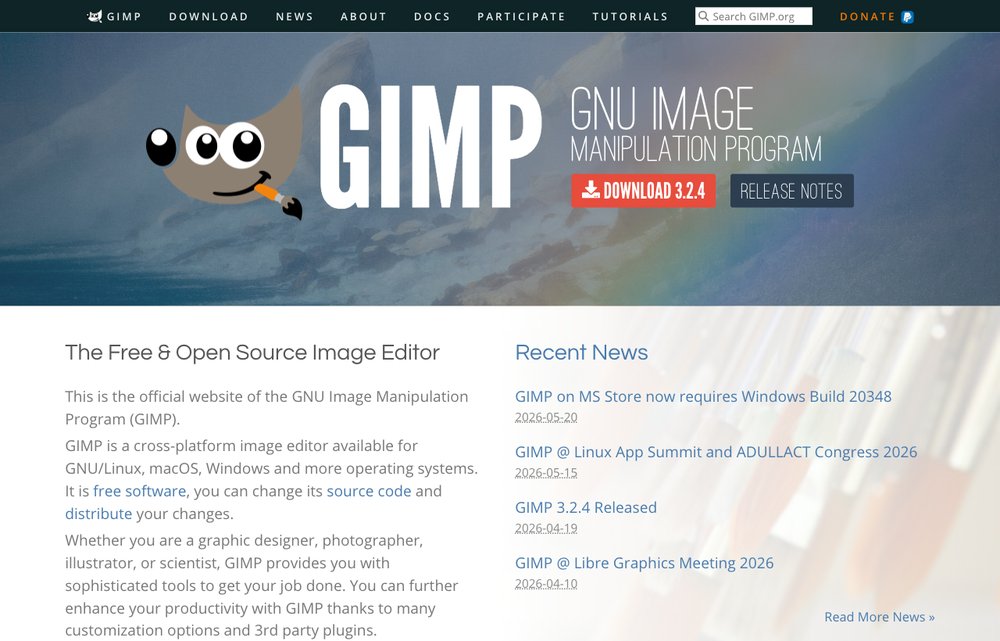
The free, open-source heavyweight. GIMP edits raster graphics and exports multi-resolution Windows .ico files out of the box, so you can design an icon at several sizes and save them in a single file. It’s as capable as Photoshop for icon work and runs on Windows, Mac and Linux.
2. Inkscape — Best for vector & SVG icons
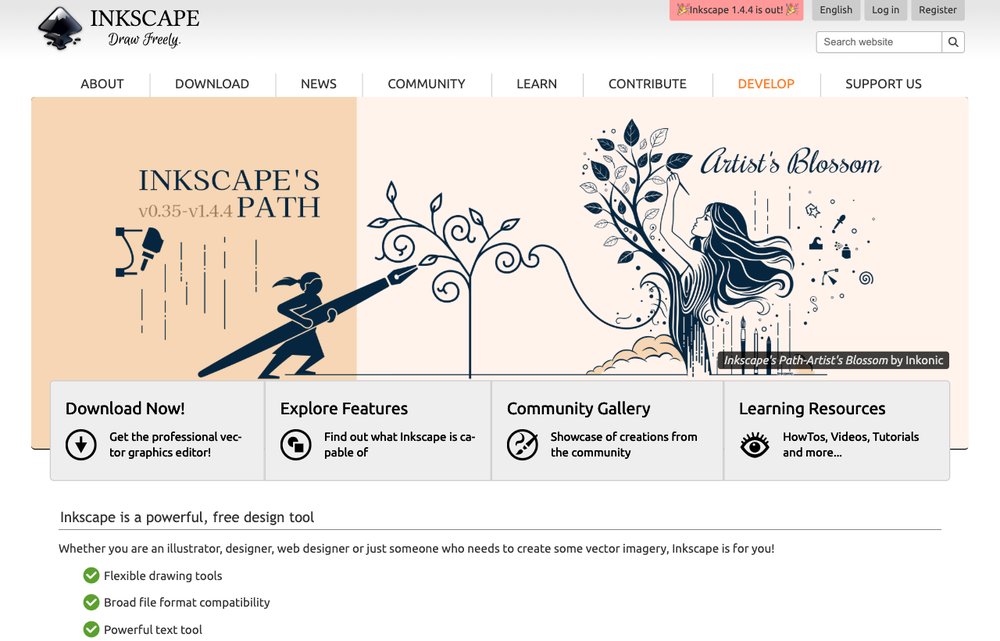
Want crisp icons that scale to any size? Inkscape is the free vector editor for the job. Design once as SVG, then export clean PNGs at every resolution you need — ideal for app icons, UI icon sets and logos. Cross-platform and completely free.
3. Greenfish Icon Editor Pro — Best dedicated icon editor
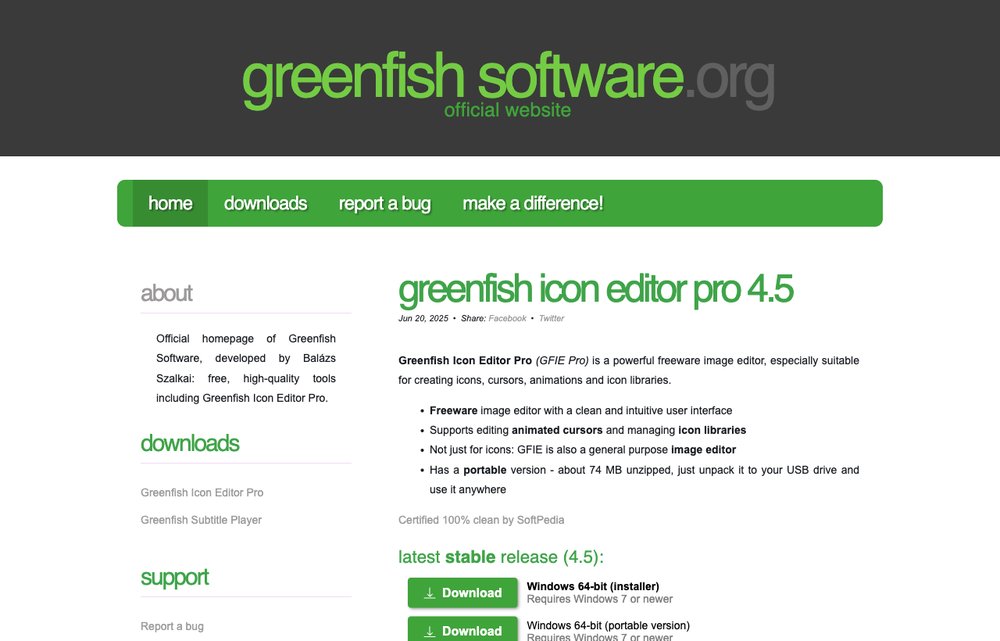
The purpose-built icon editor — still maintained at version 4.5. GFIE handles icons, cursors, animations and icon libraries with full layer support and high-quality filters (bevel, drop shadow, glow). There’s even a portable version. If you specifically need .ico and .cur files, this is the best free pick.
4. Photopea — Best browser-based (no install)
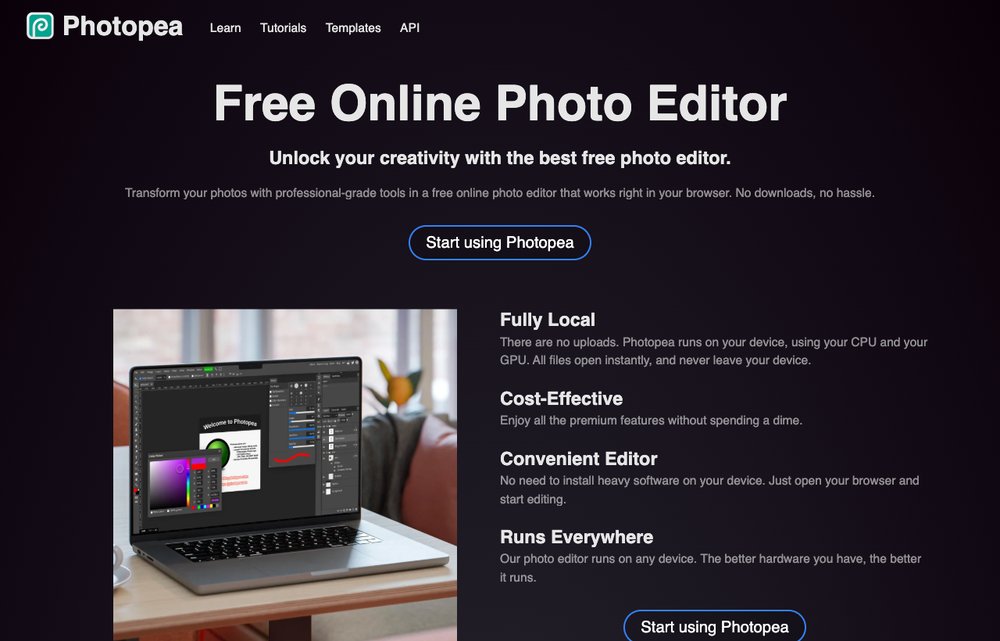
A free, browser-based Photoshop clone — no download and no account required. Photopea opens and exports ICO, PSD, PNG, SVG and more, so you can create or tweak an icon from any computer in seconds, with practically the full Photoshop toolset in a browser tab.
5. Figma — Best for UI & app icon design
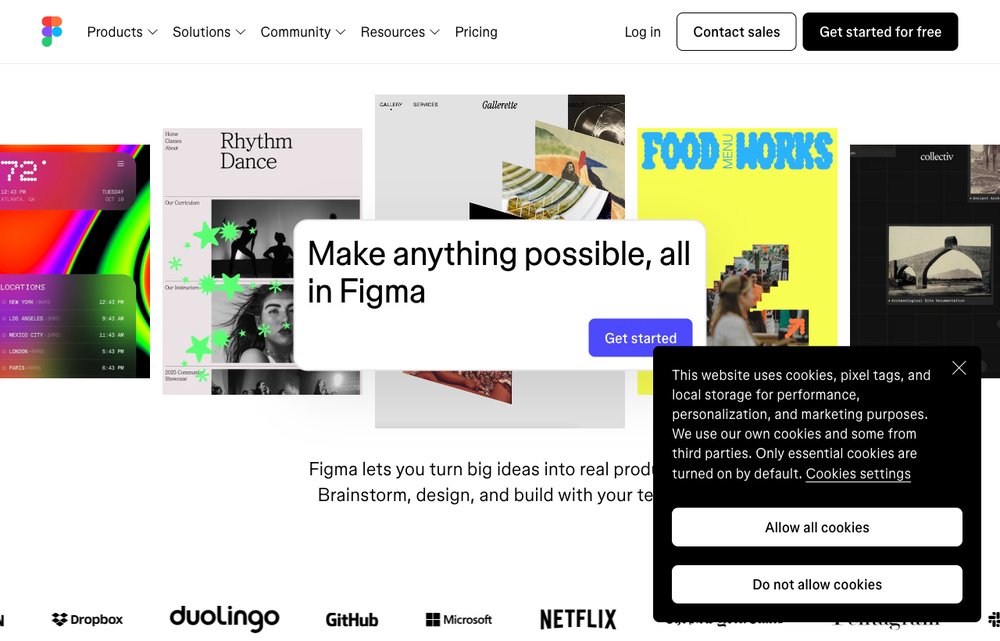
The modern standard for designing UI and app icons. Figma’s free tier lets you draw vector icons, build consistent icon sets and export to SVG or PNG at multiple scales — all in the browser, with real-time collaboration. Perfect for product and web icons.
6. Paint.NET — Best simple Windows editor

A free, lightweight Windows image editor that’s far more capable than MS Paint but much simpler than GIMP. With a free plugin it reads and writes .ico files, making it a quick, friendly option for straightforward icon editing.
Best Free Favicon Generators
Just need a website favicon? Skip the editor — these free generators build the whole set for you.
7. favicon.io — Best quick favicon maker
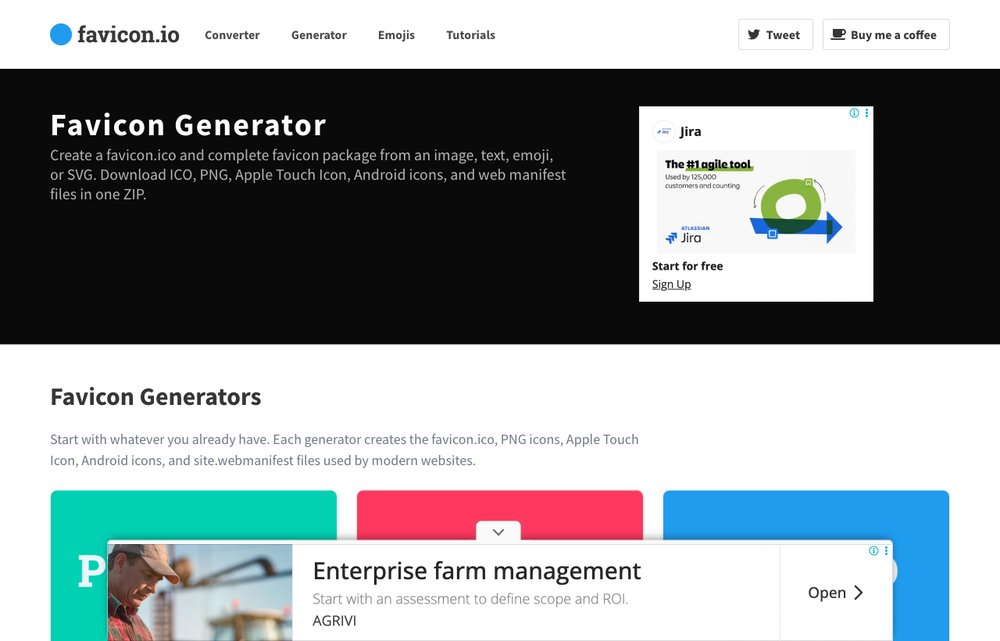
Need a website favicon fast? favicon.io generates a complete favicon set from plain text, an emoji or an uploaded image in seconds, and hands you the HTML snippet to paste into your site. Free, with no sign-up.
8. RealFaviconGenerator — Best for cross-platform favicons
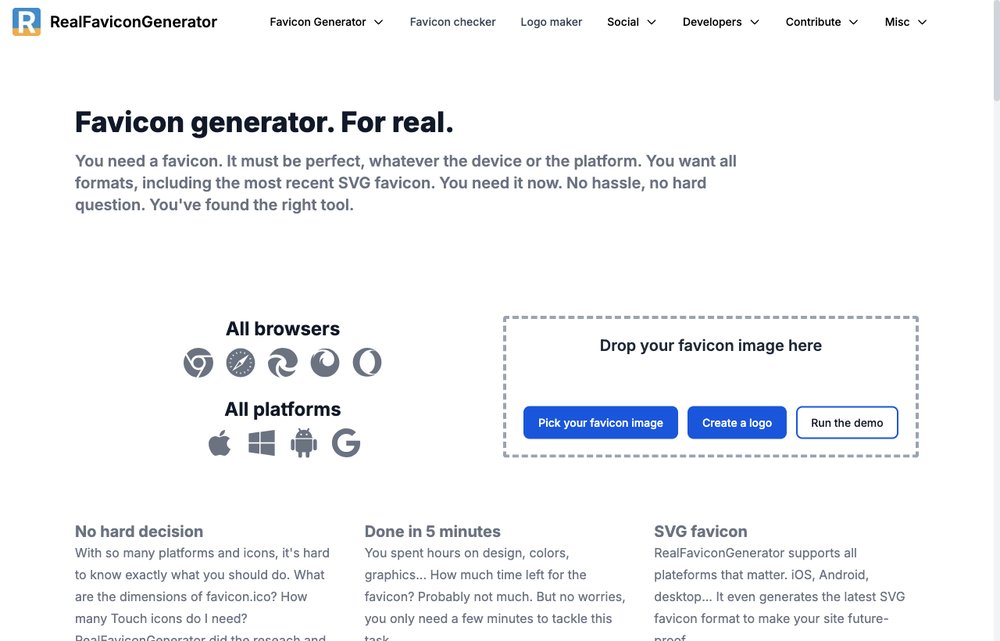
The most thorough free favicon generator: upload a single image and it produces a full package optimised for every browser, iOS, Android and Windows tiles — plus a checker to verify your favicons are set up correctly across platforms.
Frequently Asked Questions
What is the best free icon editor?
For all-round work, GIMP is the best free icon editor — it’s powerful and exports multi-size .ico files. If you want a tool dedicated to icons and cursors, Greenfish Icon Editor Pro is excellent, and Inkscape is ideal for scalable vector icons.
How do I create a .ico file for free?
GIMP, Greenfish Icon Editor Pro and Photopea can all export Windows .ico files (which store several sizes in one file) at no cost. Design your icon, then choose ICO as the export format.
Can I edit icons online without installing anything?
Yes. Photopea and Figma run entirely in your browser, and favicon.io and RealFaviconGenerator create favicons online — no download or account needed.
What is the best free favicon generator?
favicon.io is the quickest for a simple favicon from text, an emoji or an image, while RealFaviconGenerator produces the most complete cross-platform package (browsers, iOS, Android and Windows tiles).
Is IcoFX still free?
No — IcoFX is now a paid application (a free trial is available). The free editors in this guide, especially GIMP and Greenfish Icon Editor Pro, are excellent replacements.
Final Thoughts
You don’t need to spend a cent to make great icons. Reach for GIMP or Greenfish Icon Editor Pro for desktop .ico work, Inkscape or Figma for scalable vector and UI icons, and Photopea when you want to edit in the browser. For website favicons, let favicon.io or RealFaviconGenerator do the heavy lifting. While you’re designing, our roundup of the best font sites pairs perfectly with a fresh set of icons.